
Seedream 5.0 Pro — Flagship AI Image Generator
ByteDance flagship image model. Put text in quotes and it renders exactly — 10 reference images, 7 aspect ratios, and 1K/2K quality tiers for production-ready output.
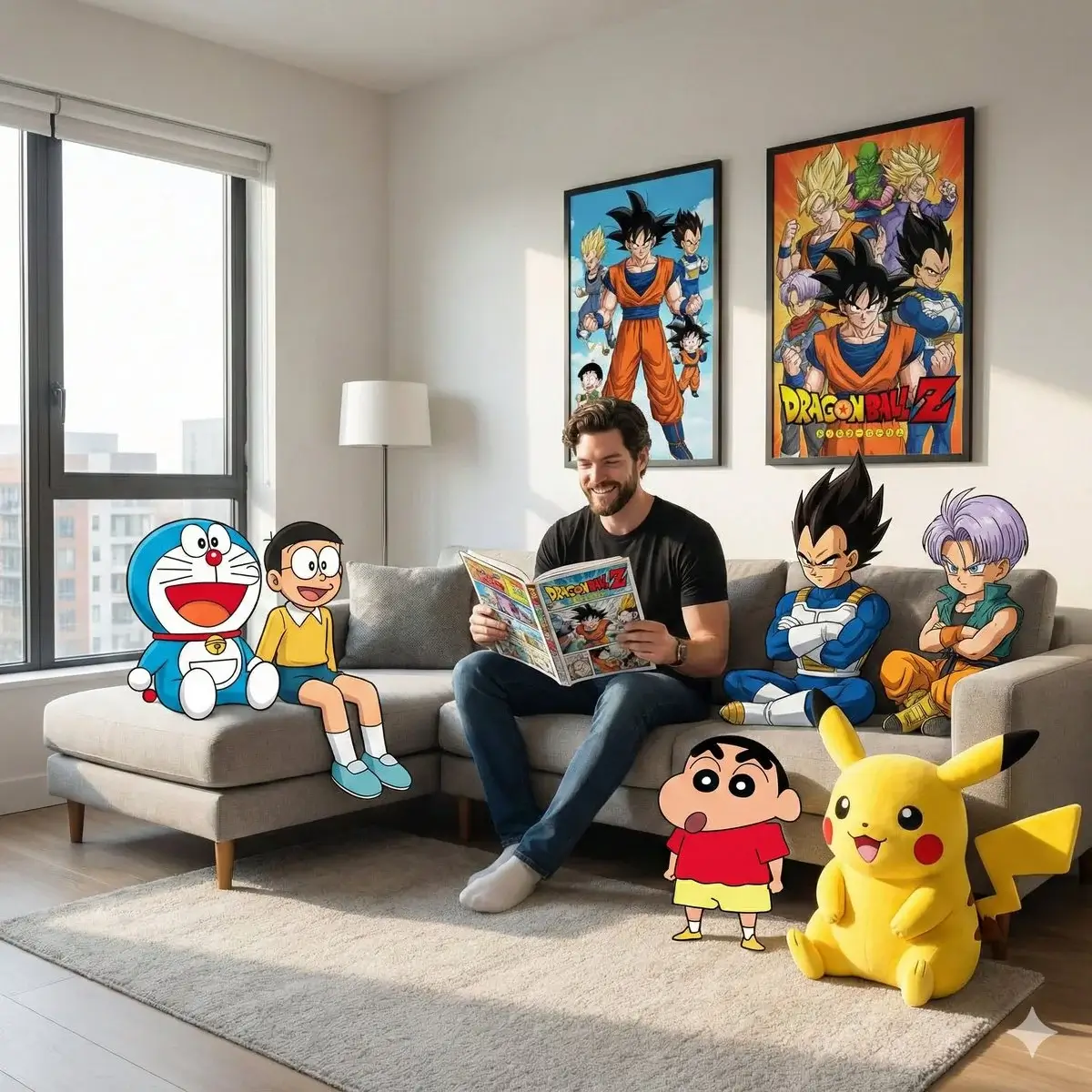
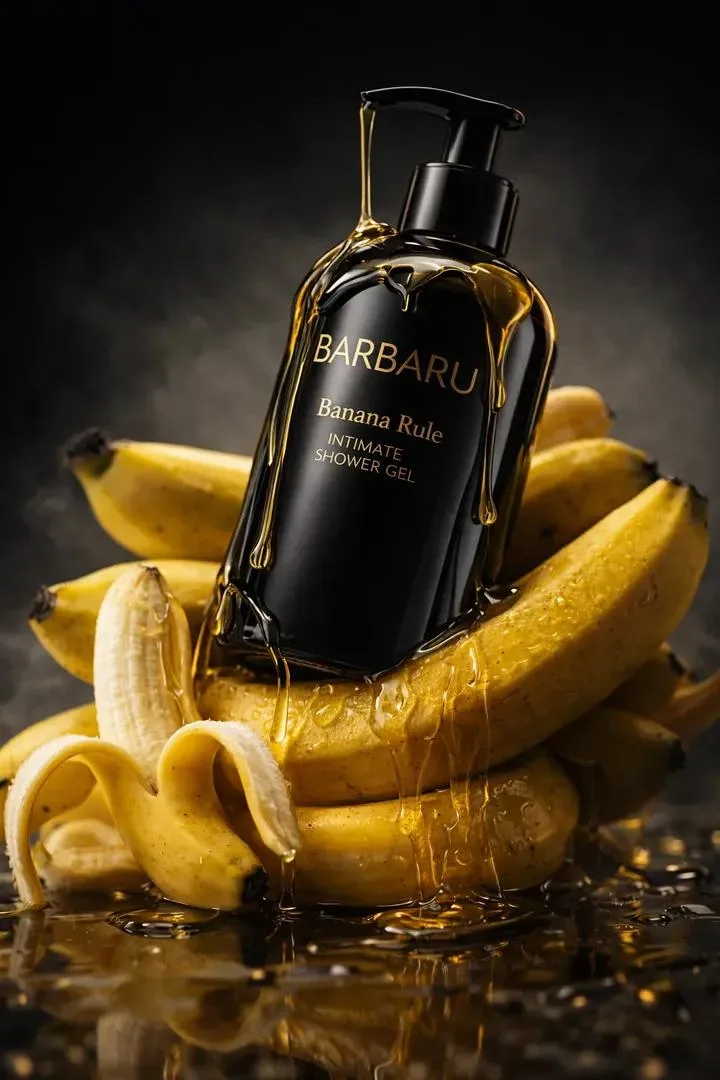
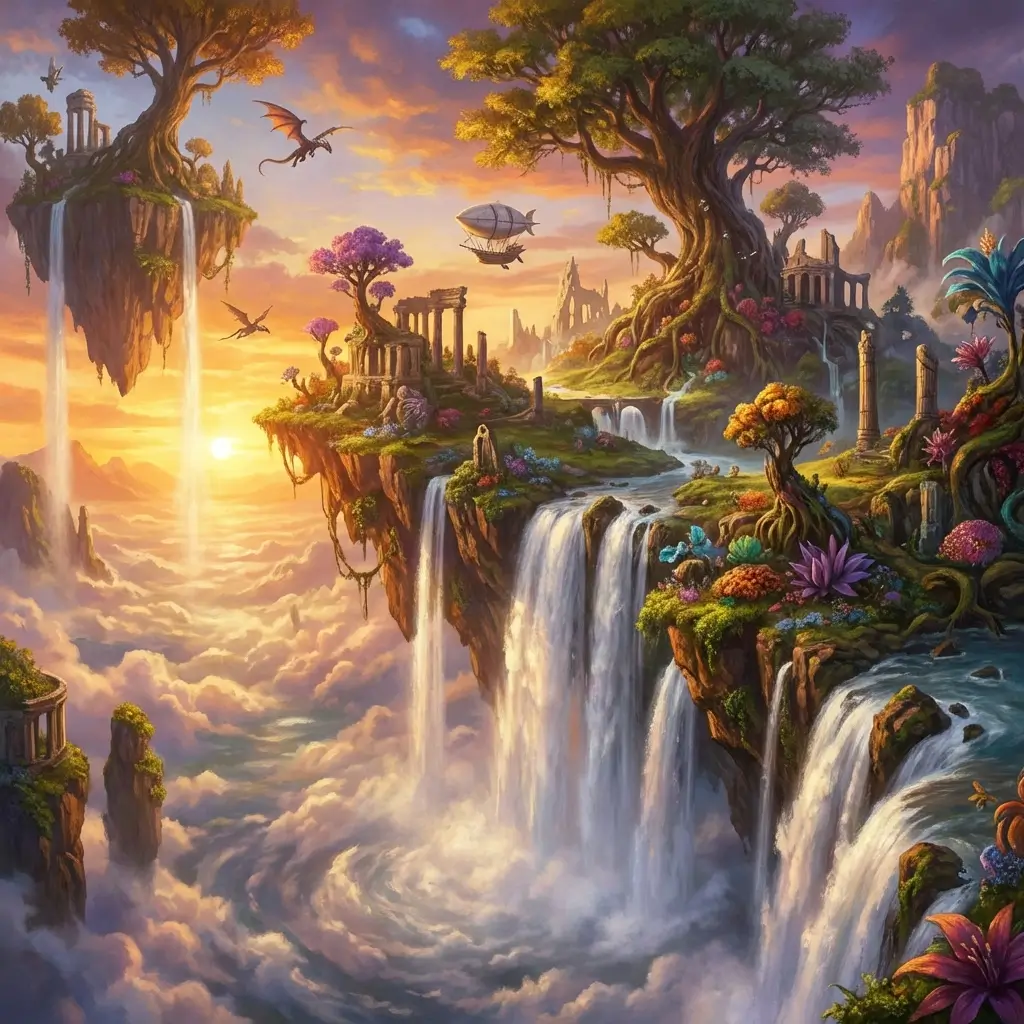
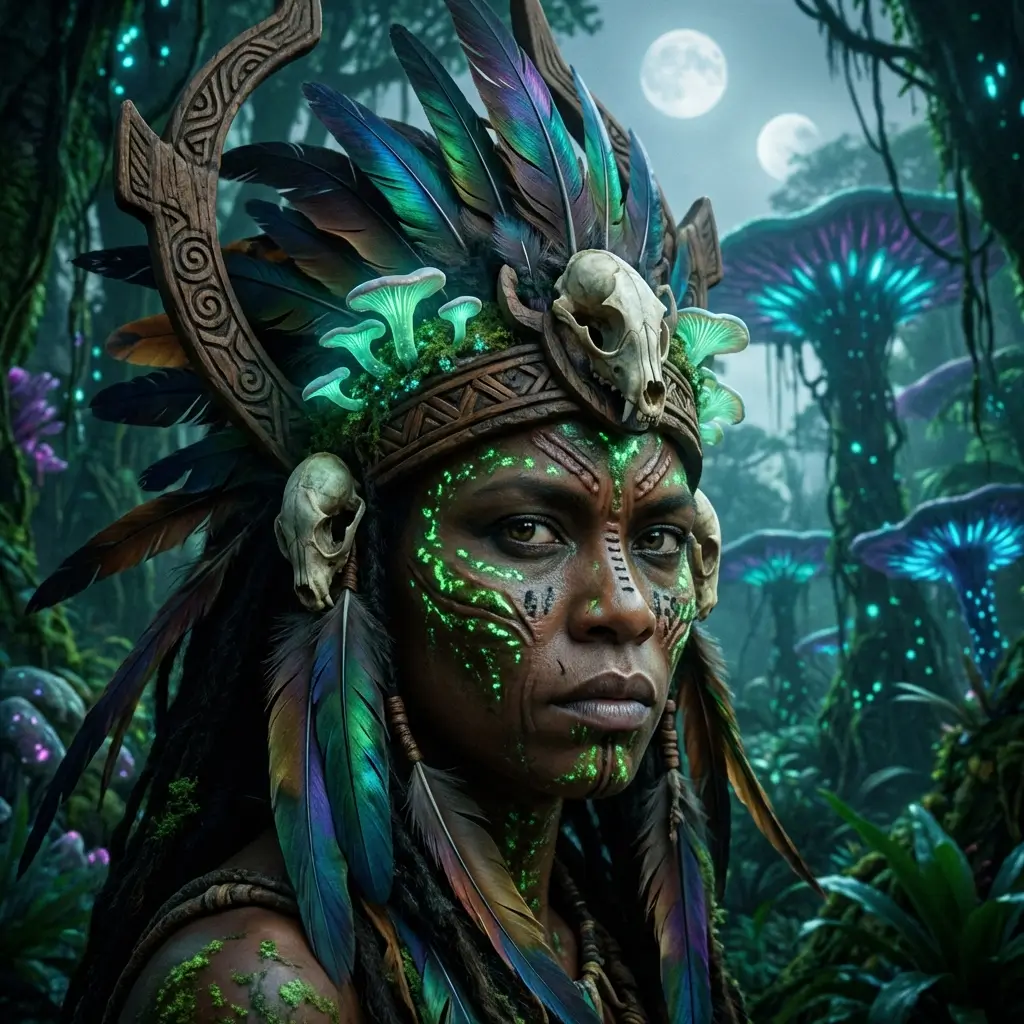
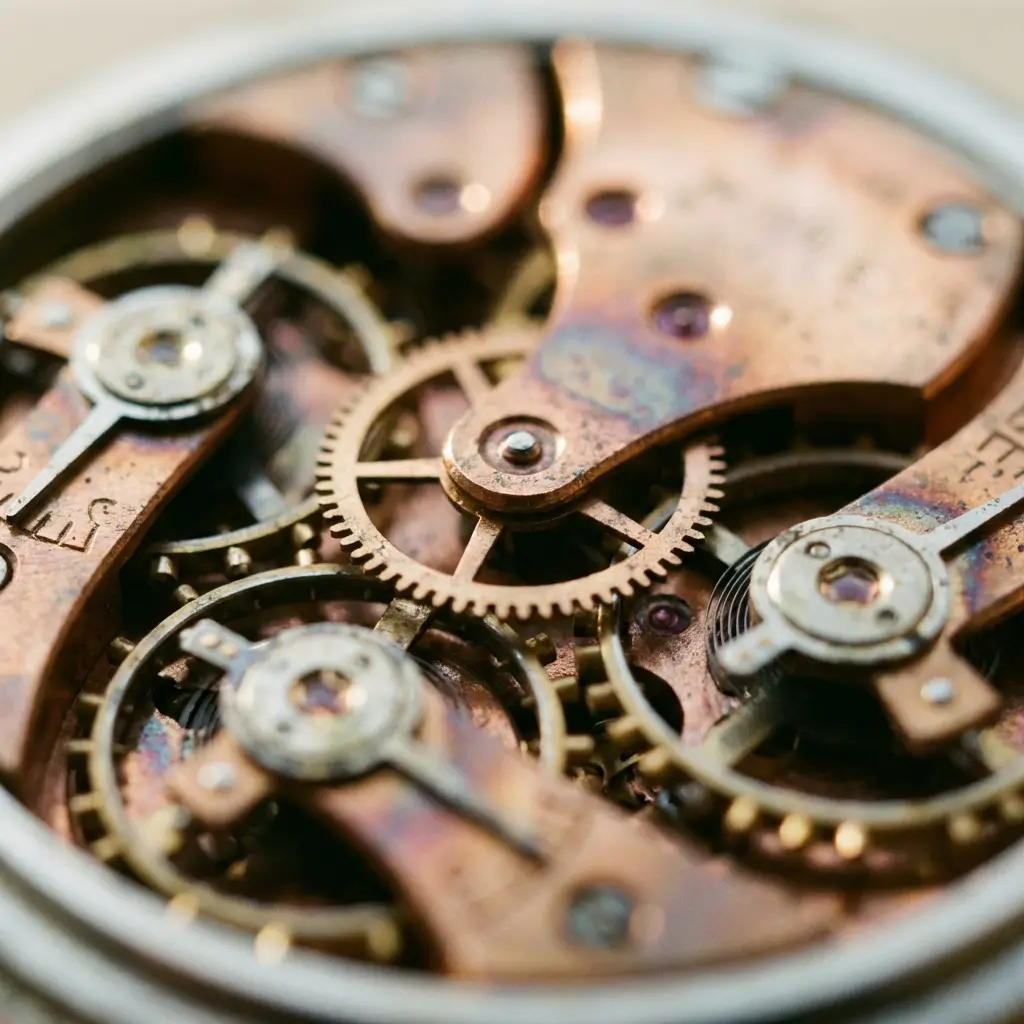
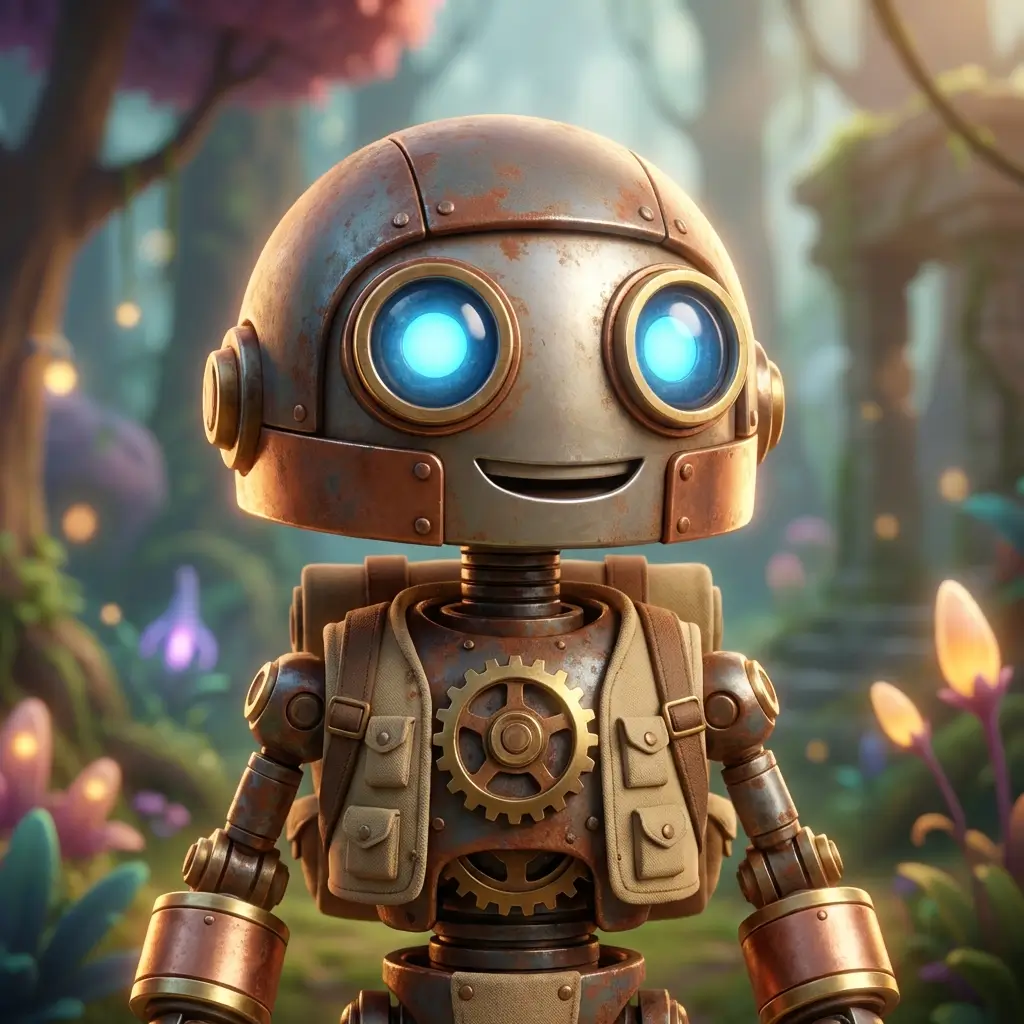
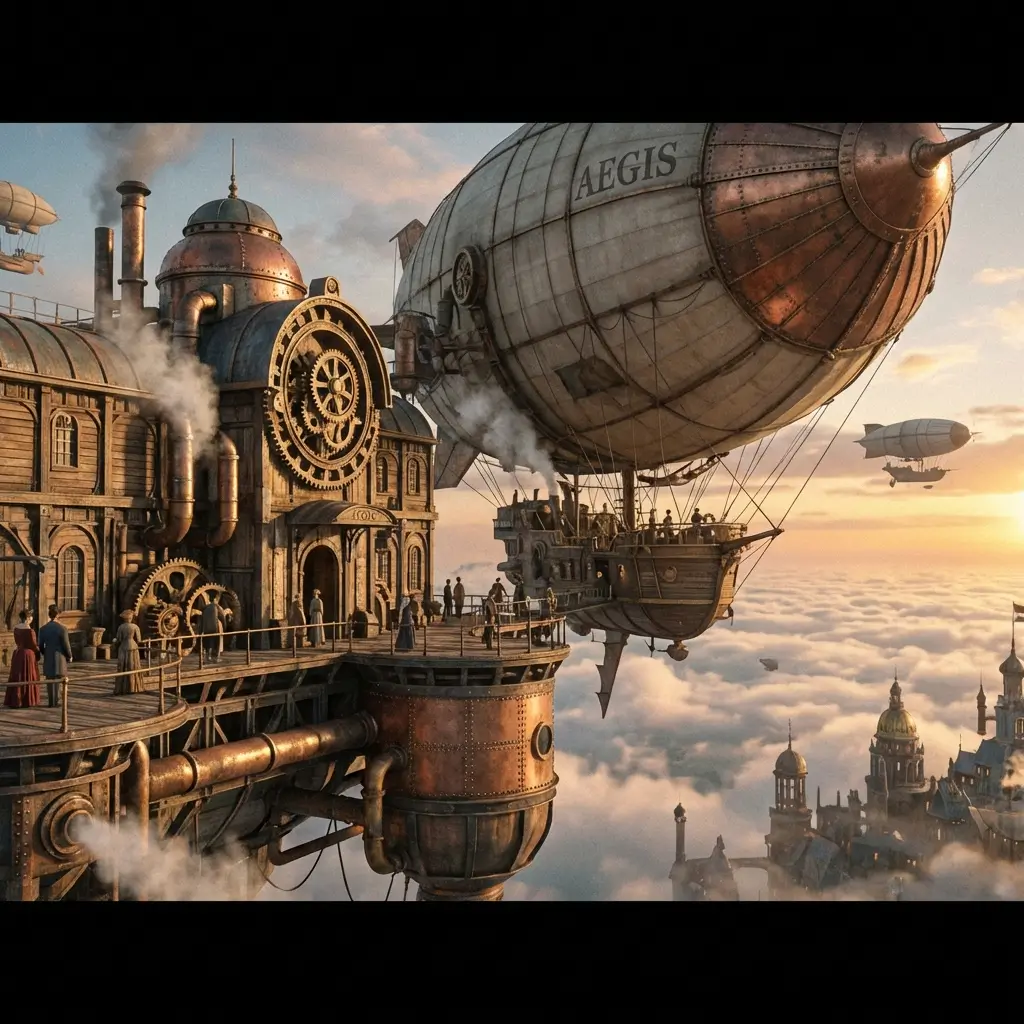
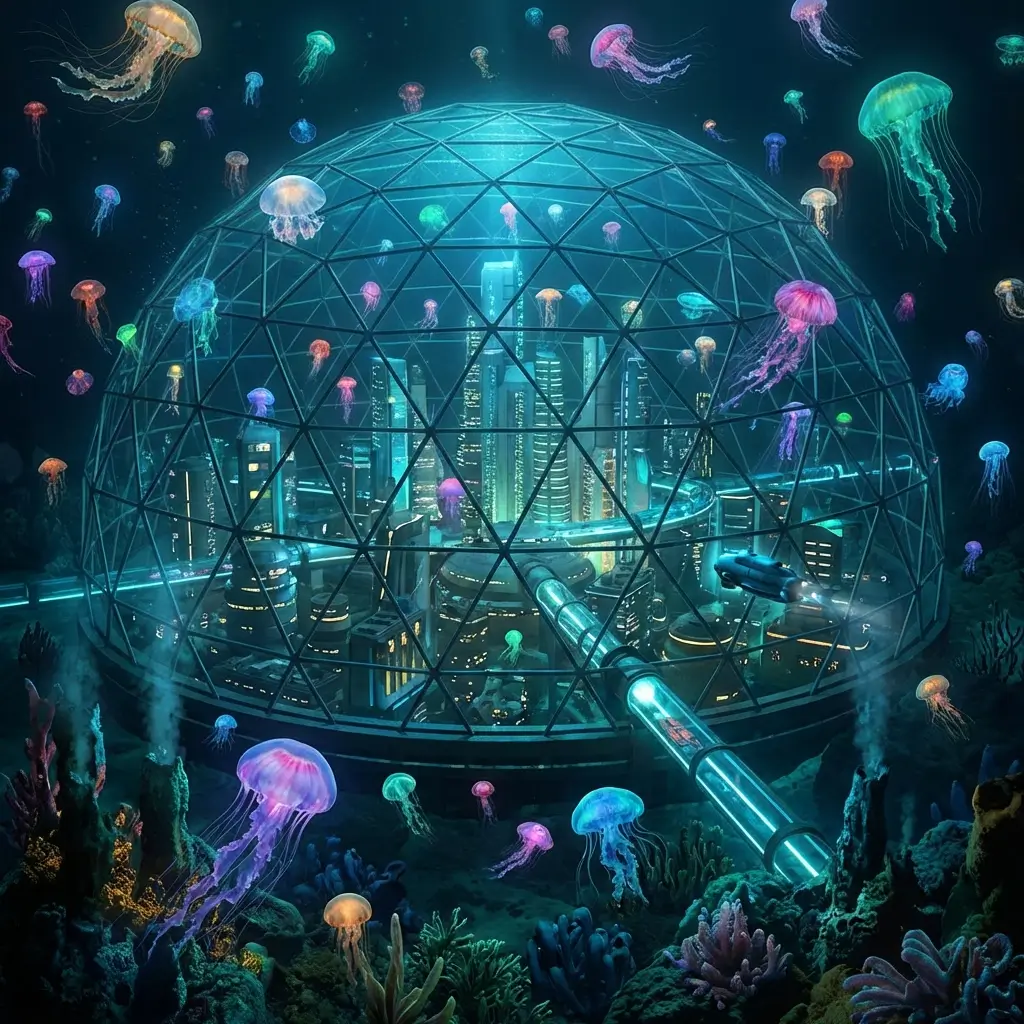
Text in Quotes Renders Exactly
Wrap copy in quotation marks — headlines, taglines, product names — and Seedream 5.0 Pro renders the exact characters. The most reliable text output in the Seedream lineup.
10 References for Brand Consistency
Upload character photos, product shots, color swatches, and layout references. The model holds identity and style across every generation.
7 Aspect Ratios, Built In
Square, portrait, landscape, and cinematic ratios — pick the format before generation so nothing gets cropped after the fact.
1K for Drafts, 2K for Delivery
Two quality tiers let you iterate fast at 1K, then render the final pick at 2K without changing your prompt or references.
Flagship Features
Why Creators Choose Seedream 5.0 Pro
Precision Text Rendering
Quoted text in prompts renders character-for-character — ideal for posters, packaging, and ad creatives with on-image copy.
Reference-Guided Generation
Up to 10 reference images lock character faces, product shapes, and brand colors across outputs.
7 Aspect Ratios
Cover every platform — Instagram square, TikTok vertical, YouTube thumbnail, and print formats — without post-crop.
1K and 2K Quality Tiers
Draft at 1K to save credits, deliver at 2K for client-ready assets. Same prompt, same references, higher fidelity.
Photo Editing by Prompt
Upload an existing photo and describe the change — background swap, color grade, element removal — all through text.
Unlock HD When You Need It
Seedream 5.0 Pro uses purchased credits. Unlock HD when you want to generate on your own prompts.
How to Use Seedream 5.0 Pro
Write Your Prompt With Quoted Text
Describe the scene and wrap any on-image copy in quotes. Add up to 10 reference images for style and subject control.
Pick Ratio and Quality Tier
Choose from 7 aspect ratios. Select 1K for fast drafts or 2K for final delivery, then generate.
Download or Refine
Review the output, download if the text and composition match, or adjust the prompt and regenerate.
Seedream 5.0 Pro FAQ
Explore More AI Tools
Seedream 5.0
Next-gen by BytePlus — 2K/4K, multi-image blending
Learn more →
Nano Banana Pro
High-quality image generation, up to 4K, text & image input
Learn more →
GPT Image 2
OpenAI image generation — text-to-image and image-to-image
Learn more →
Grok Imagine 2.0
Text-to-image and image-to-image, up to 12 images per request
Learn more →Create Production-Ready Images With Seedream 5.0 Pro
Quoted text that renders exactly, 10 references, 7 ratios, 1K/2K tiers.
Try Seedream 5.0 Pro Free