
GPT Image 2 — OpenAI Text-to-Image & Image Editing
OpenAI image generation with prompt editing, mask support, 13 aspect ratios, and up to 4 variations per request. Create from text or refine existing images.
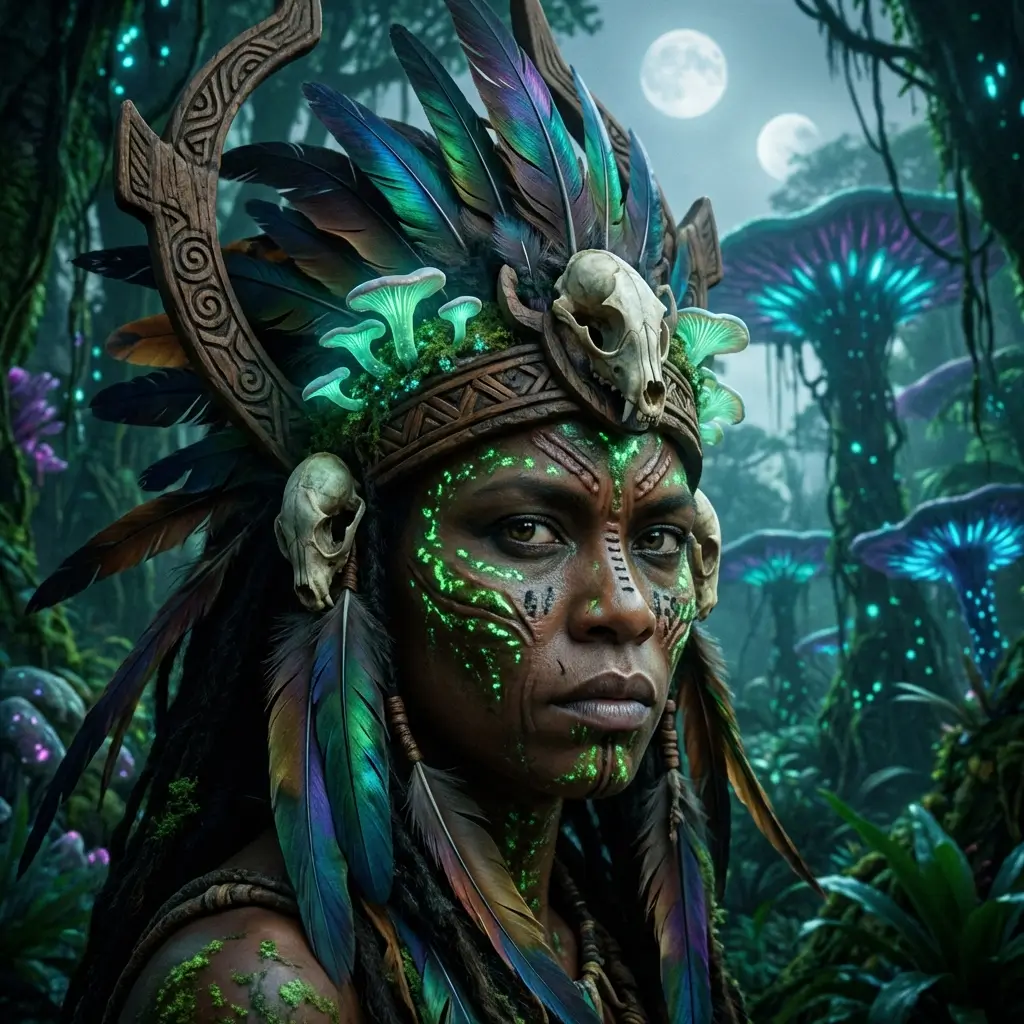
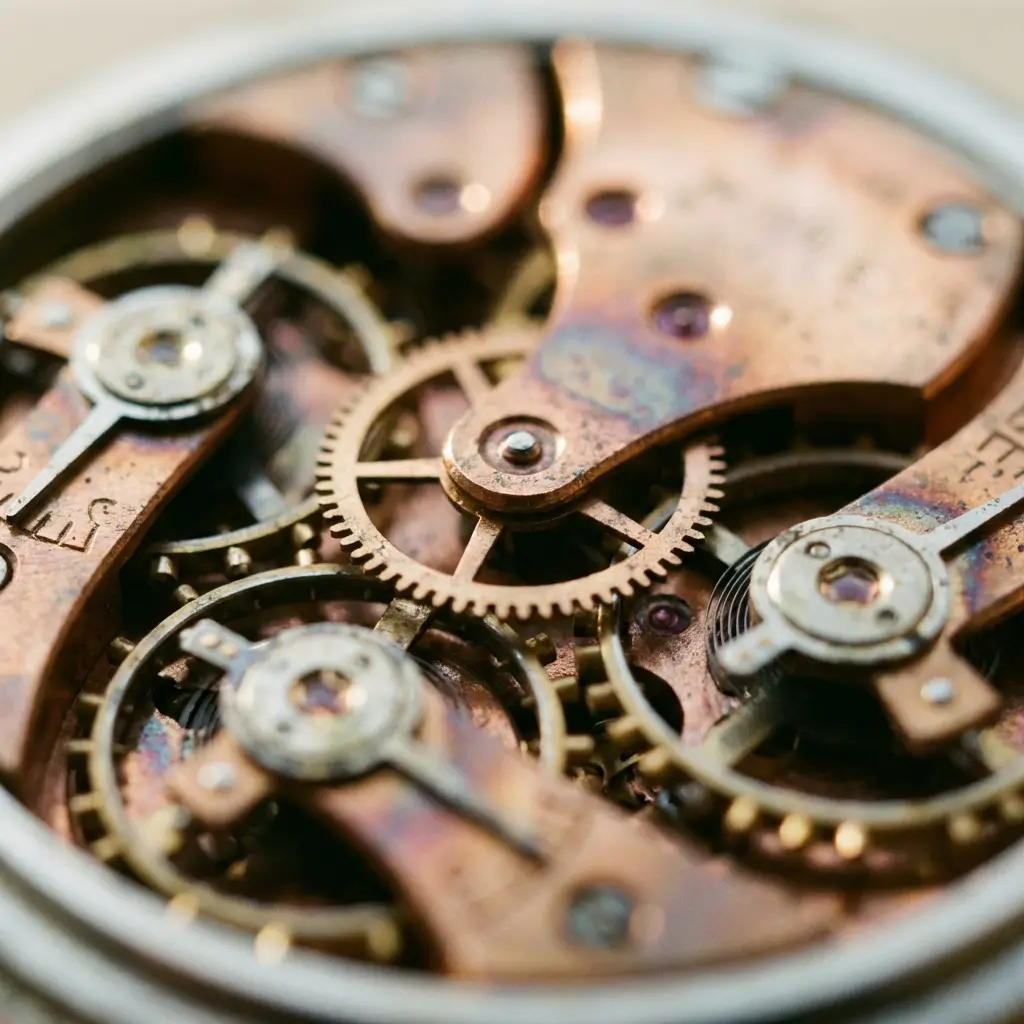
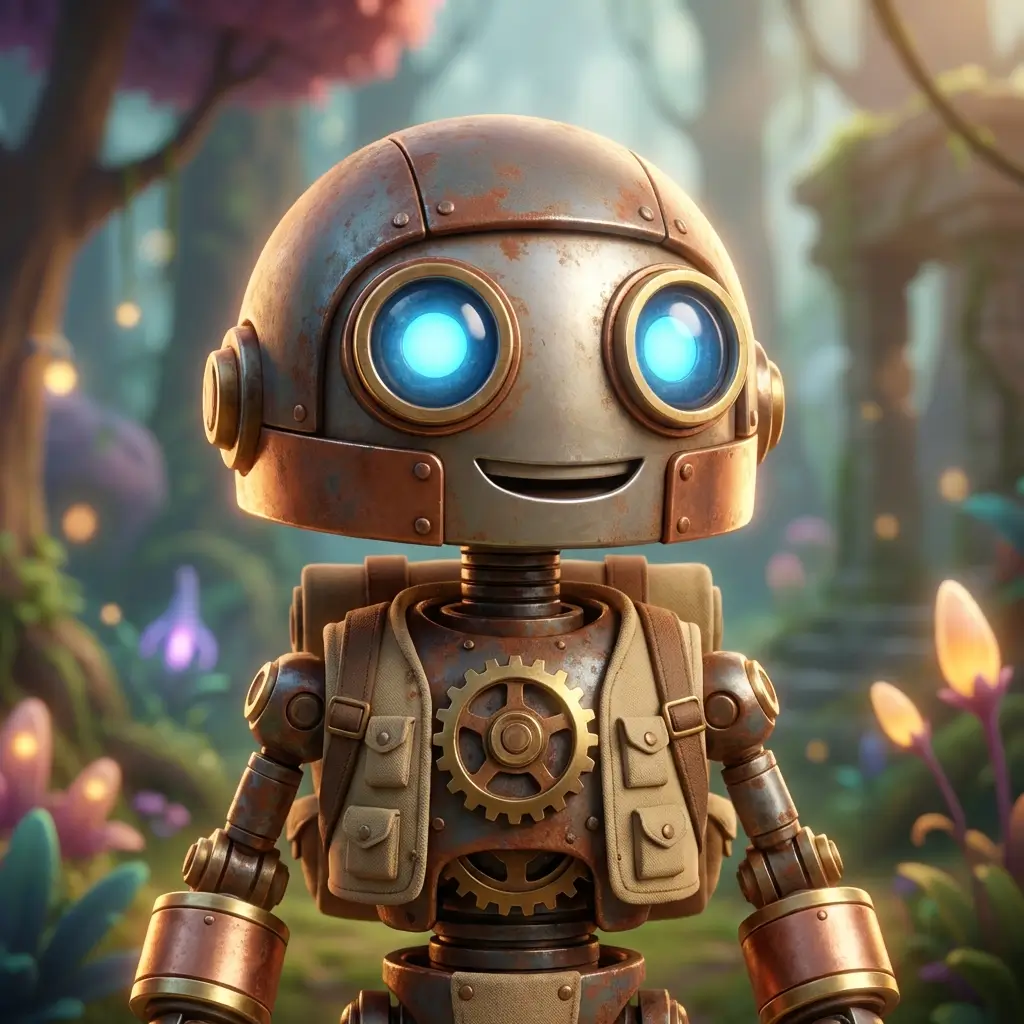
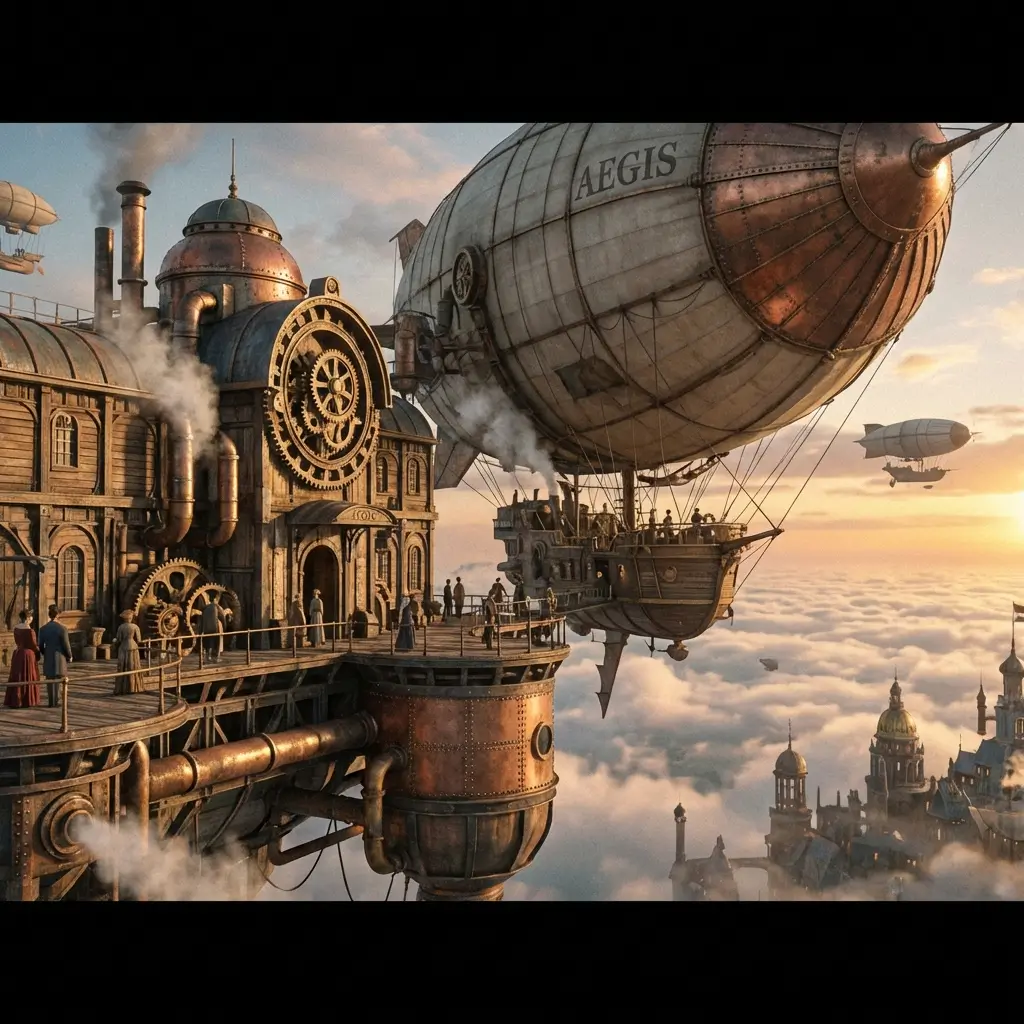
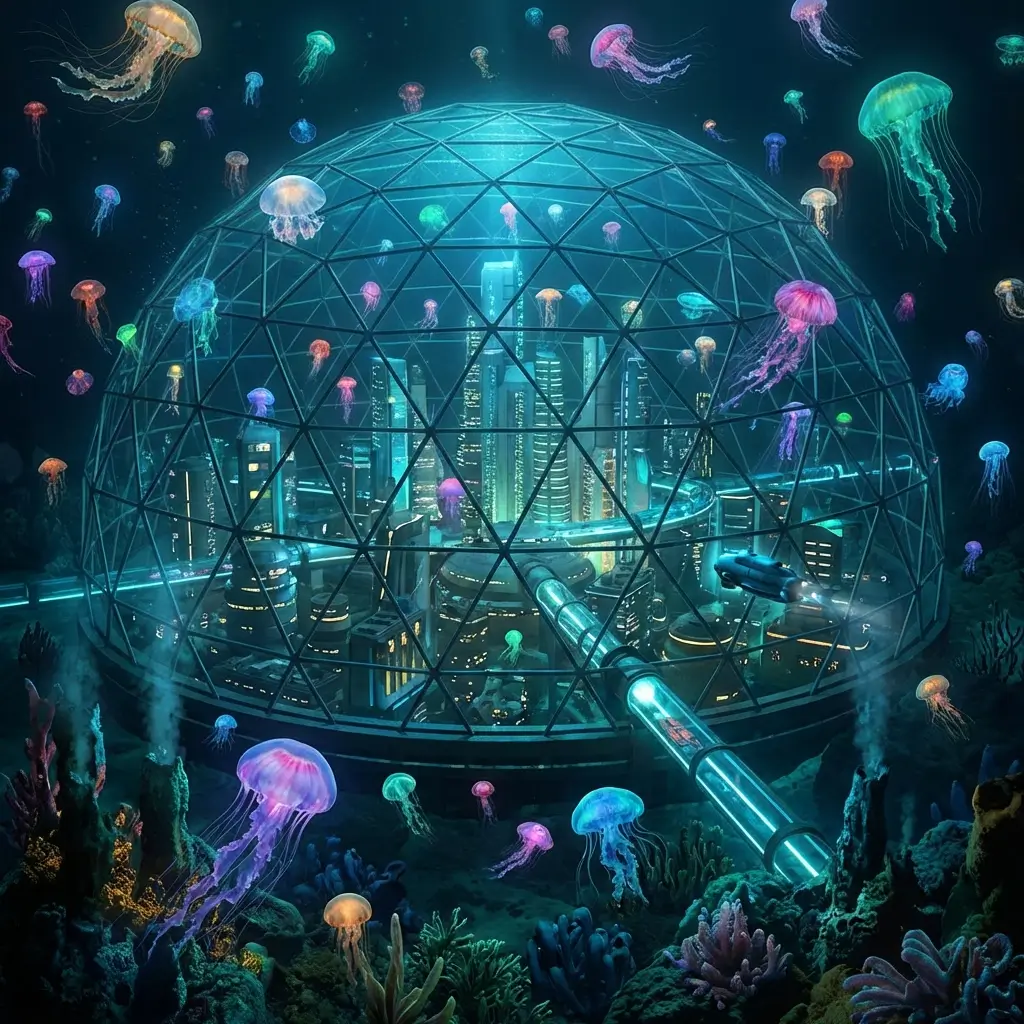
OpenAI Quality, One Click Away
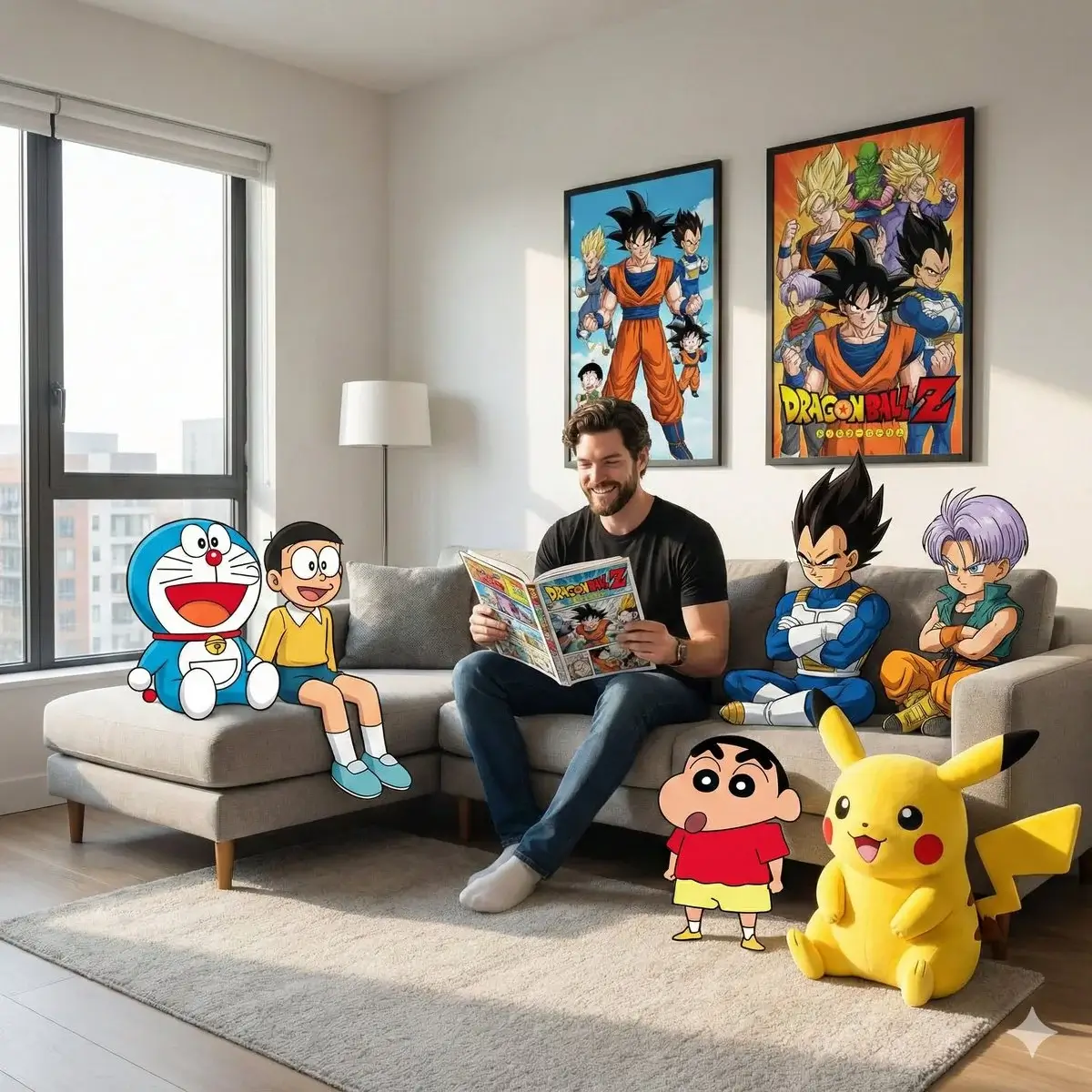
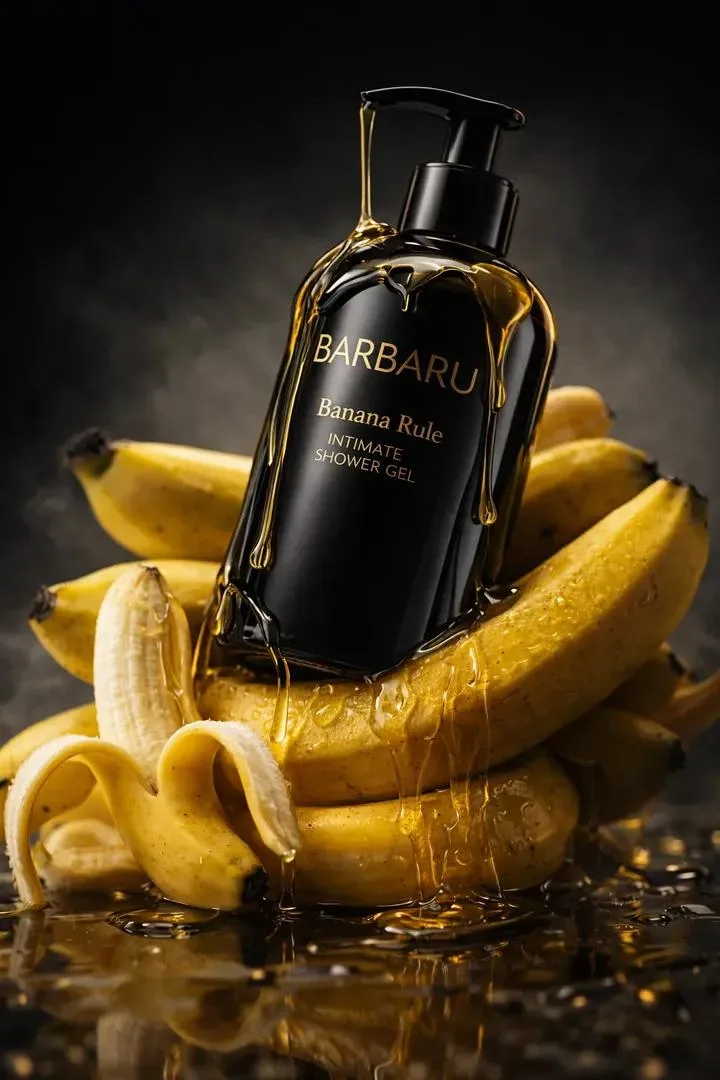
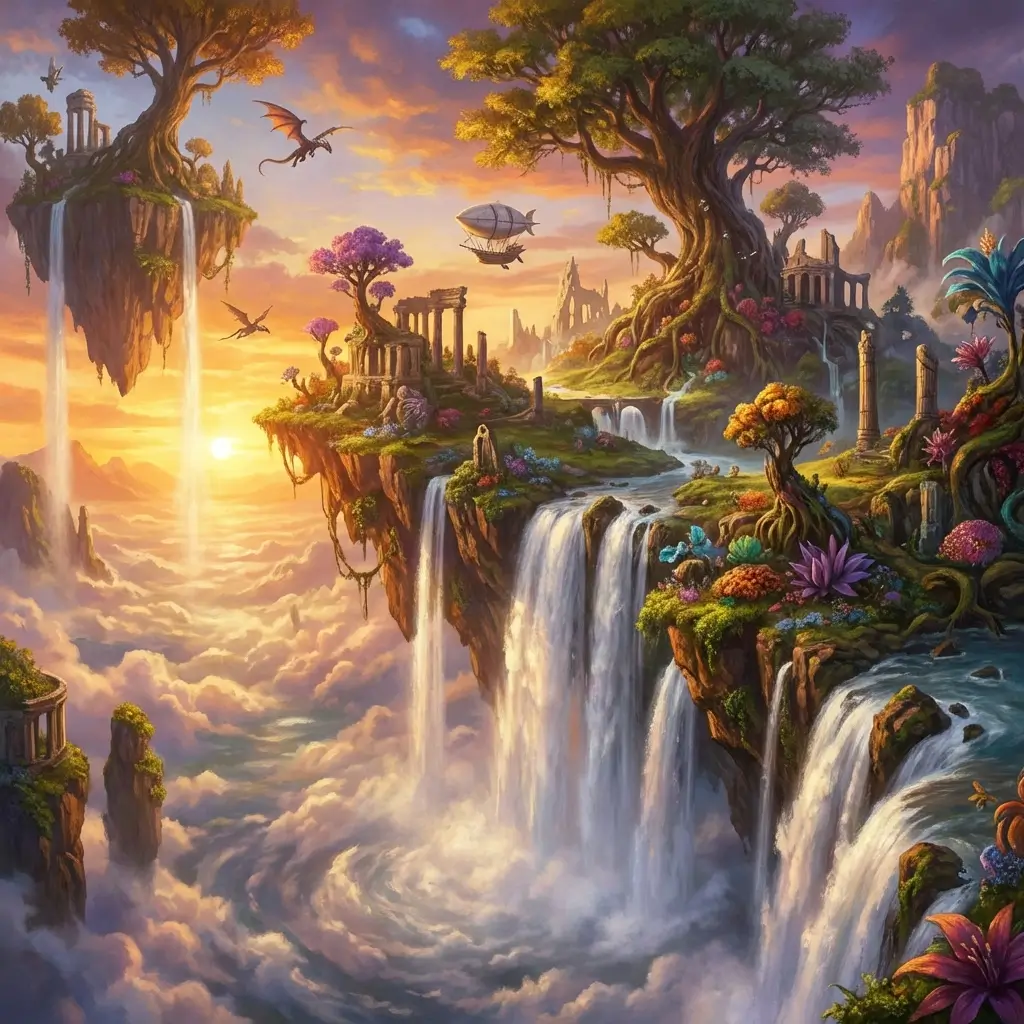
GPT Image 2 brings OpenAI text-to-image generation to your workflow — photorealistic scenes, product mockups, and creative illustrations from a text prompt.
Edit Images With Prompts and Masks
Upload an existing image, optionally draw a mask, and describe what to change. GPT Image 2 edits only the masked region while preserving the rest.
13 Aspect Ratios for Every Platform
From Instagram square to cinematic widescreen — pick the ratio before generation and get a perfectly framed output with no cropping.
4 Variations to Compare
Every request returns up to 4 variations. Compare compositions, pick the winner, or use all four for creative exploration.
OpenAI Image
What GPT Image 2 Offers
Text-to-Image Generation
Describe any scene, product, character, or concept. GPT Image 2 renders photorealistic and stylized output from natural language.
Prompt-Based Editing
Upload an image and describe changes — style shifts, background swaps, element additions — through text alone.
Mask Support for Precise Edits
Draw a mask over the area to edit. GPT Image 2 changes only the masked region, leaving everything else untouched.
13 Aspect Ratios
Square, portrait, landscape, and cinematic formats — built at the ratio you set for every platform.
Up to 4 Variations
Compare multiple outputs from a single prompt — ideal for A/B testing ad creatives and exploring compositions.
Unlock HD When You Need It
Test GPT Image 2 on your own prompts and images — no OpenAI API key. Uses purchased credits.
How to Use GPT Image 2
Write a Prompt or Upload an Image
Describe the image you want from scratch, or upload an existing image to edit. Add a mask for region-specific changes.
Choose Aspect Ratio and Variations
Pick from 13 aspect ratios and set up to 4 variations. Hit generate.
Compare, Download, or Iterate
Review the variations, download your pick, or refine the prompt or mask and regenerate.
GPT Image 2 FAQ
探索更多 AI 工具

Nano Banana Pro
High-quality image generation, up to 4K, text & image input
了解更多 →
Seedream 5.0 Pro
ByteDance flagship — 1K/2K, up to 10 references, best-in-class text
了解更多 →
Grok Imagine 2.0
Text-to-image and image-to-image, up to 12 images per request
了解更多 →
Midjourney V8
Illustration-first model, up to 4 images per request
了解更多 →Create With OpenAI GPT Image 2
Text-to-image, mask editing, 13 ratios, 4 variations — no API key needed.
Try GPT Image 2 Free