
Seedream 5.0 AI Image Generator — 4K With Better Prompt Following
ByteDance image model that reads your whole prompt, renders native 4K, and generates up to 15 images per batch with 14 reference images for style and subject control.
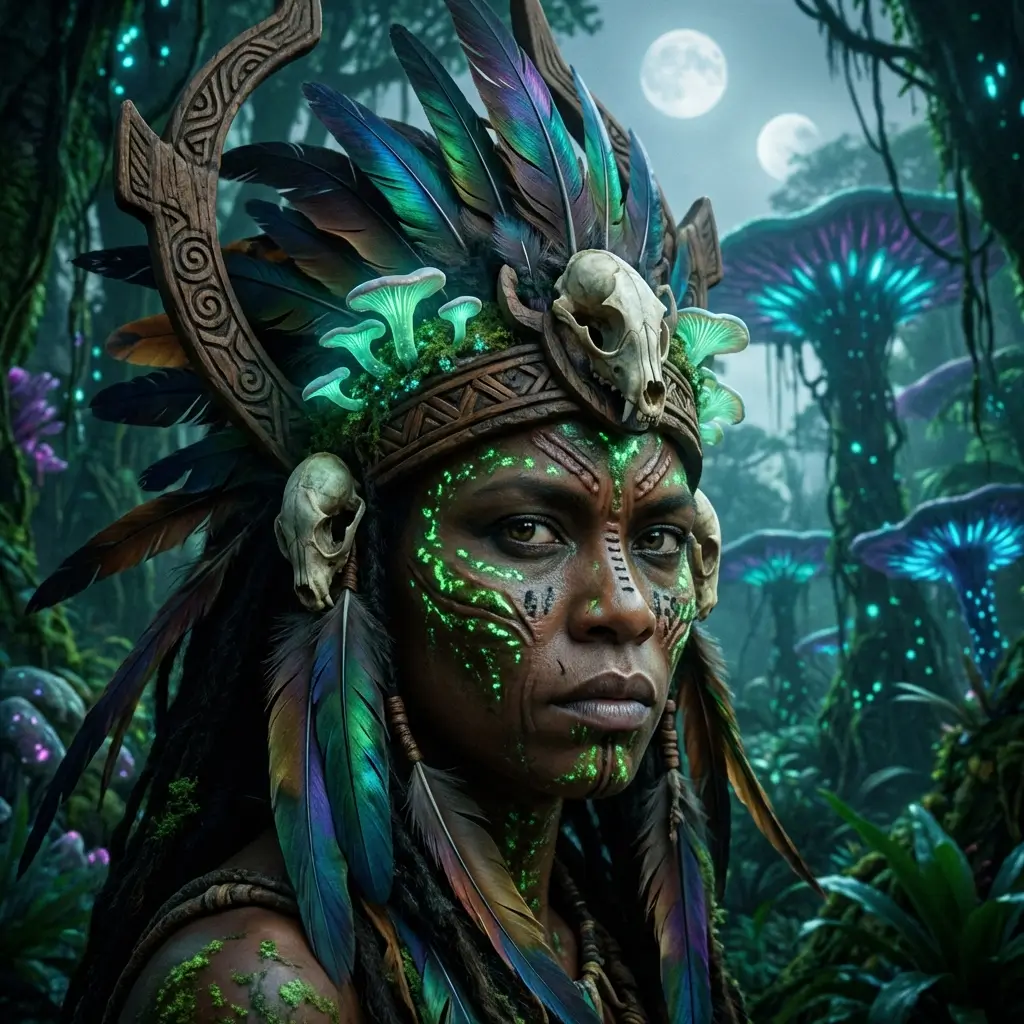
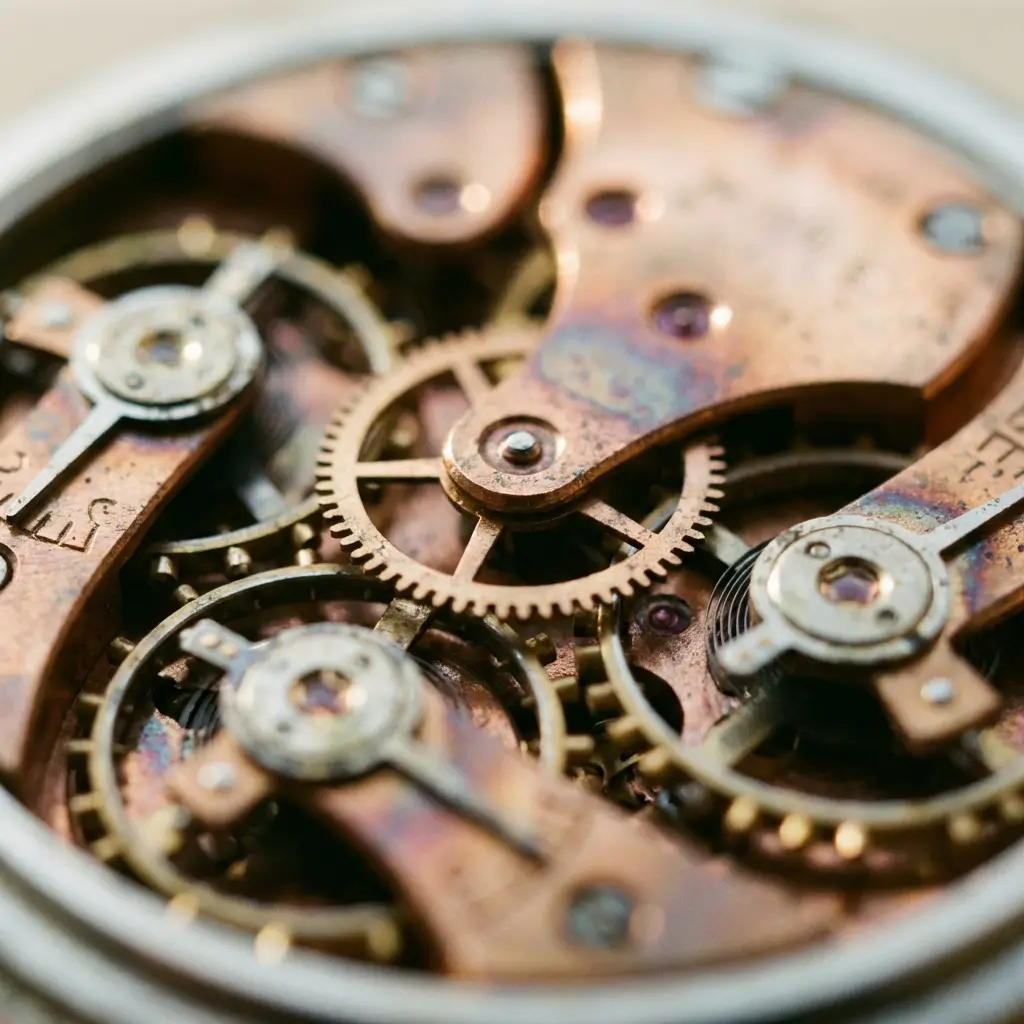
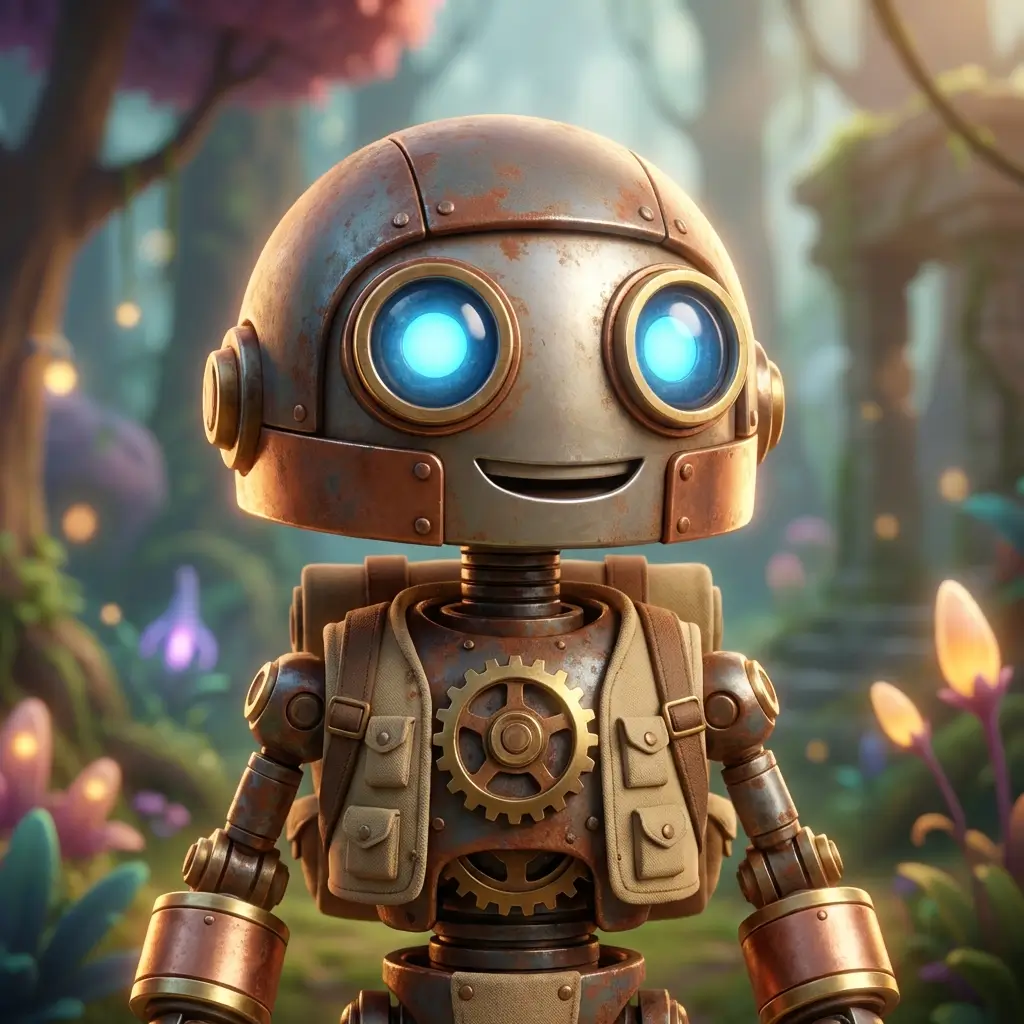
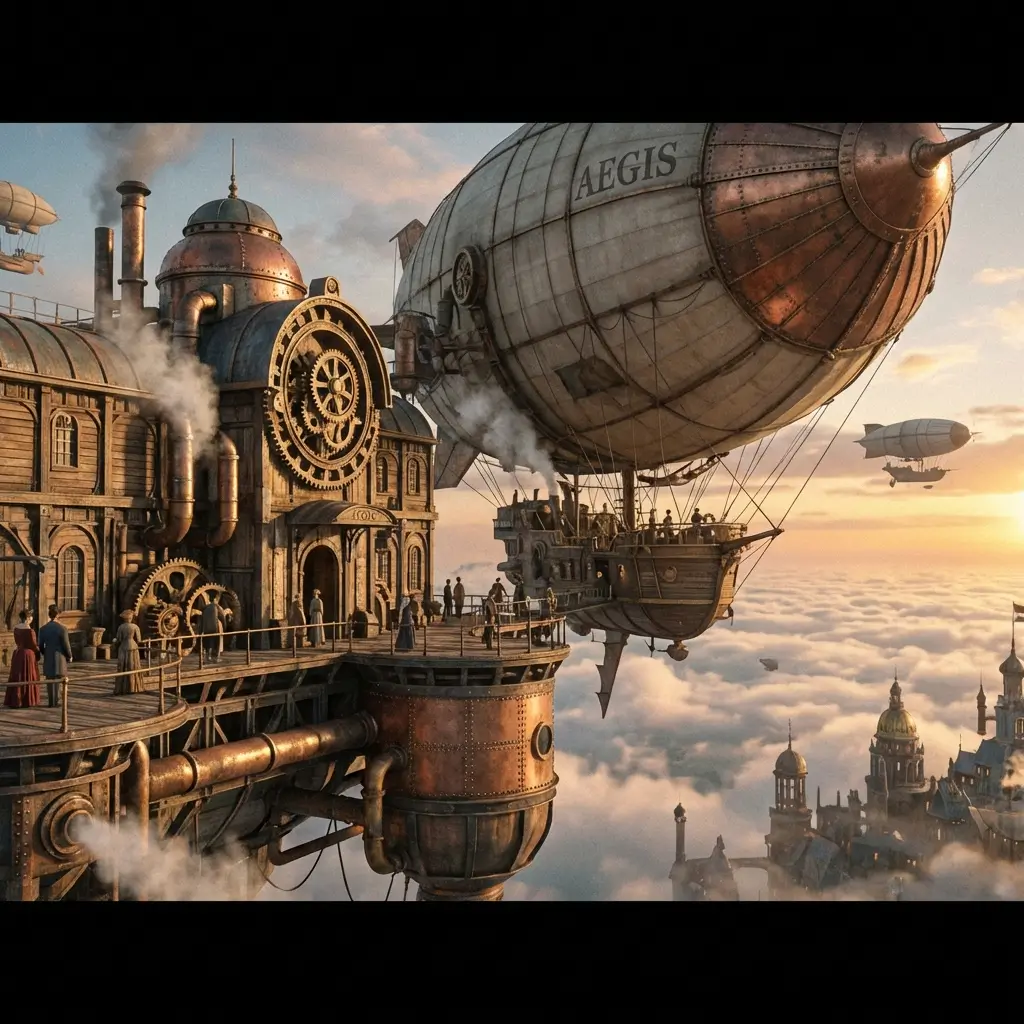
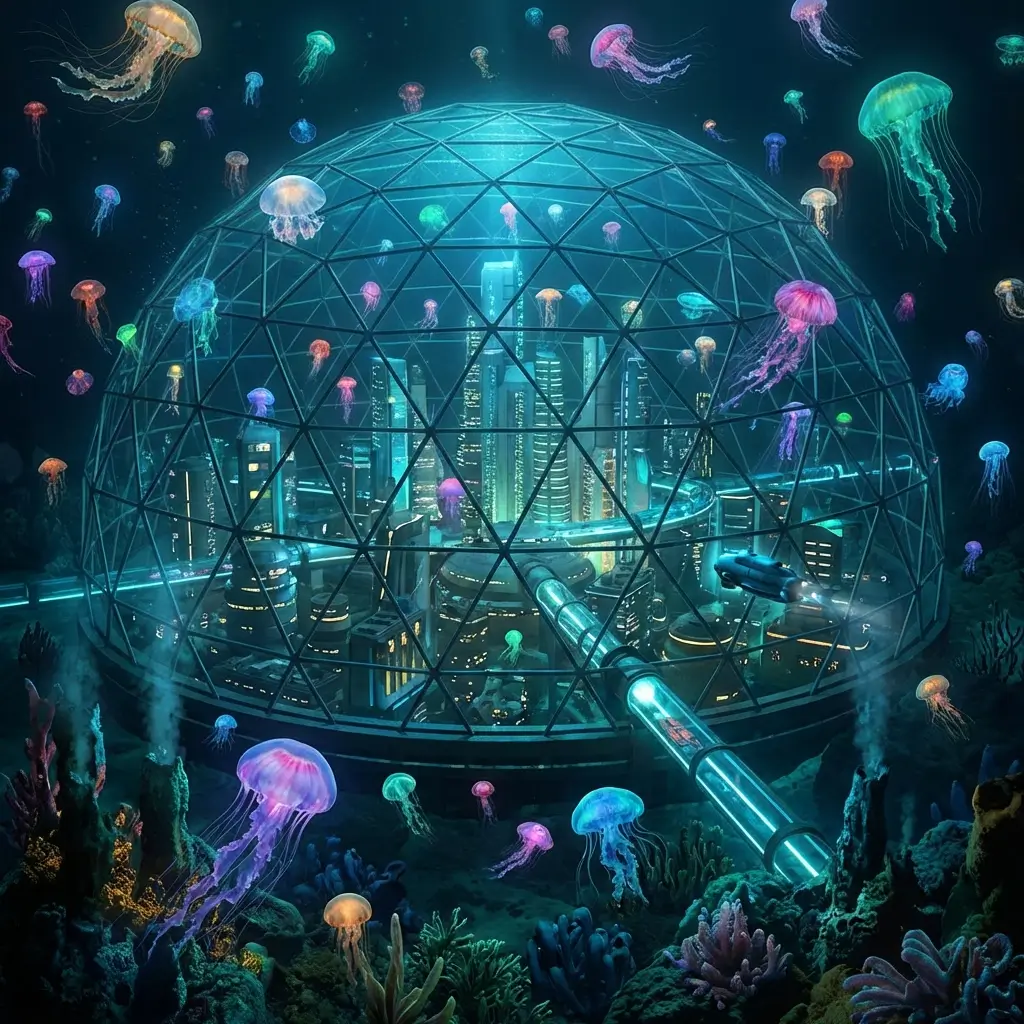
Your Whole Prompt, Actually Read
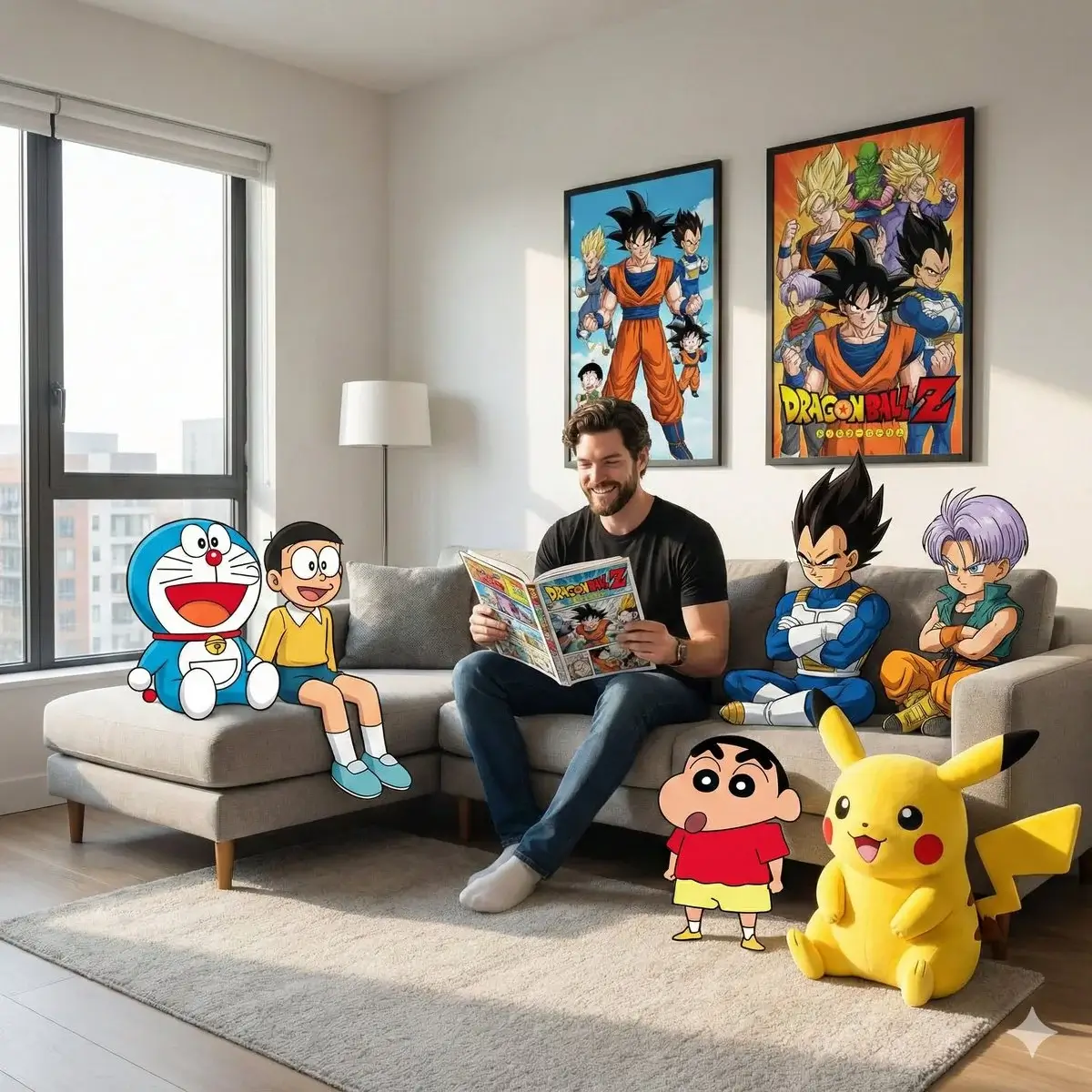
Seedream 5.0 follows long, detailed instructions — lighting, composition, camera angle, and style cues in one pass instead of averaging the first few words.
Native 4K Without Upscaling
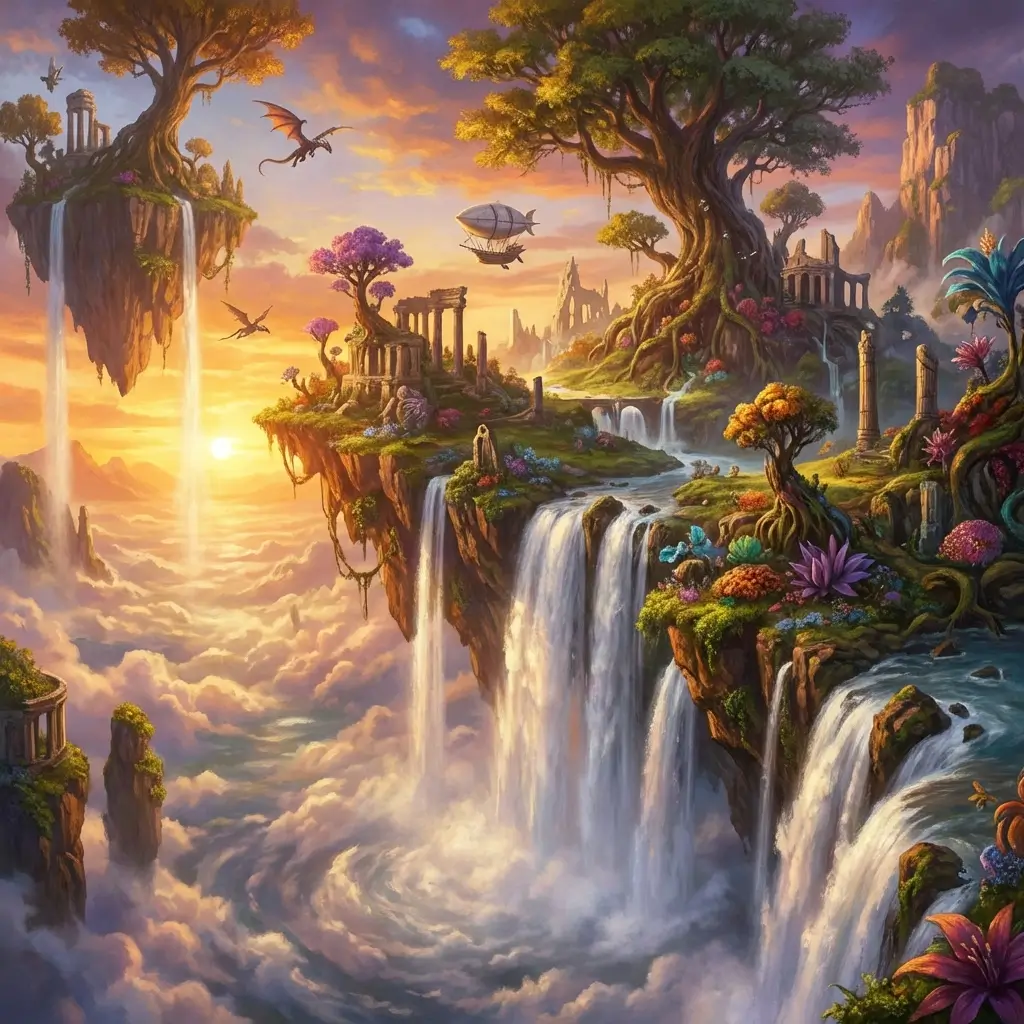
Every pixel rendered at 4K resolution. Product shots, posters, and hero visuals stay sharp when you zoom or crop for social formats.
14 References for Consistent Output
Upload up to 14 reference images — character faces, product angles, color palettes, layout samples. The model blends them with your text prompt.
15 Images From One Prompt
Generate a full batch in a single run — explore variations, pick the winner, or A/B test creatives without rewriting the prompt.
Capabilities
What You Get With Seedream 5.0
Text-to-Image Generation
Describe any scene — photorealistic, illustration, product mockup, or poster. Seedream 5.0 renders readable text and fine detail at 4K.
Reference-Guided Creation
Up to 14 reference images steer character identity, product shape, and visual style across every image in the batch.
Accurate Text Rendering
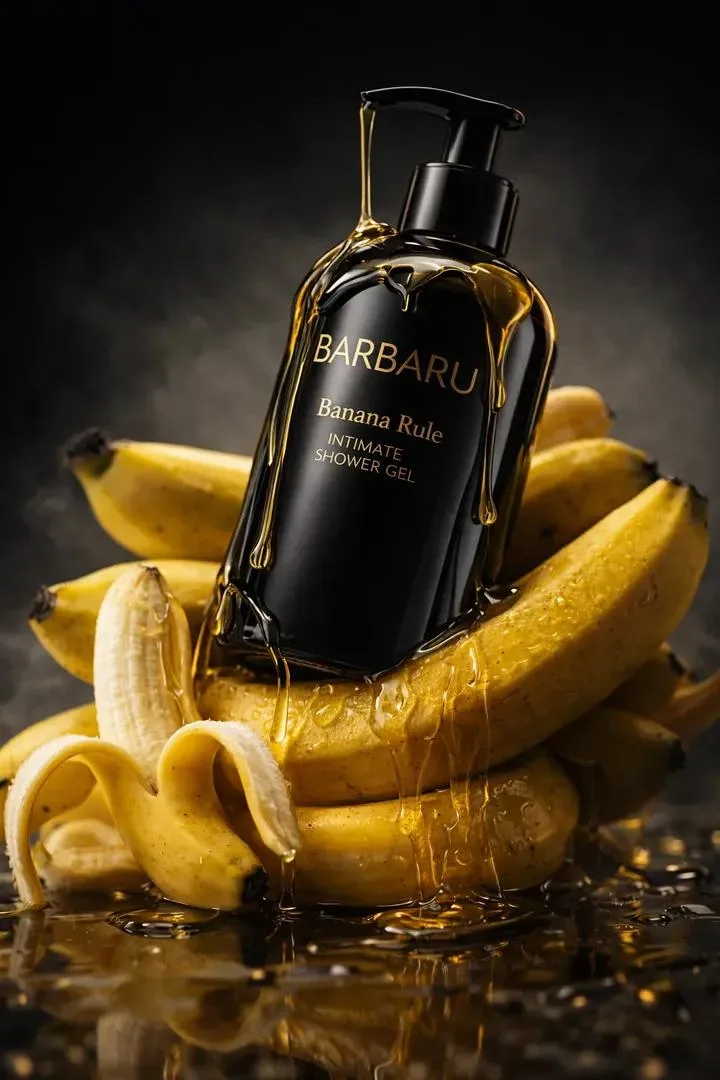
Headlines, labels, and on-image copy render legibly — a core strength of the Seedream family for marketing and packaging visuals.
Batch Production Mode
Up to 15 images per prompt for rapid iteration — ideal for ad sets, catalog rows, and social content grids.
Native 4K Output
Full 4K resolution without post-upscaling. Export print-ready and large-format assets from a single generation.
Unlock HD When You Need It
This model uses purchased credits. Try free daily image-to-video on the homepage, then unlock HD when you need more.
How to Create Images With Seedream 5.0
Write Your Prompt or Upload References
Describe the scene in detail — subject, lighting, style, and any text to render. Add up to 14 reference images for consistency.
Select Seedream 5.0 and Generate
Pick Seedream 5.0, set batch size up to 15, and hit generate. Compare results or switch to Seedream 5.0 Pro for flagship text control.
Preview, Download, or Iterate
Review the batch, download your picks, or refine the prompt and regenerate. Unlock HD when you need more.
Seedream 5.0 FAQ
探索更多 AI 工具
Seedream 5.0 Pro
ByteDance flagship — 1K/2K, up to 10 references, best-in-class text
了解更多 →
Nano Banana Pro
High-quality image generation, up to 4K, text & image input
了解更多 →
Grok Imagine 2.0
Text-to-image and image-to-image, up to 12 images per request
了解更多 →
GPT Image 2
OpenAI image generation — text-to-image and image-to-image
了解更多 →Start Creating With Seedream 5.0
4K output, 14 references, 15 images per batch — one prompt, full creative control.
Try Seedream 5.0 Free