
Grok Imagine AI Image Generator — xAI Text & Photo Editing
xAI's image model for text-to-image creation and photo editing. 13 aspect ratios, up to 4 images per batch — generate from prompts or edit existing photos with text.
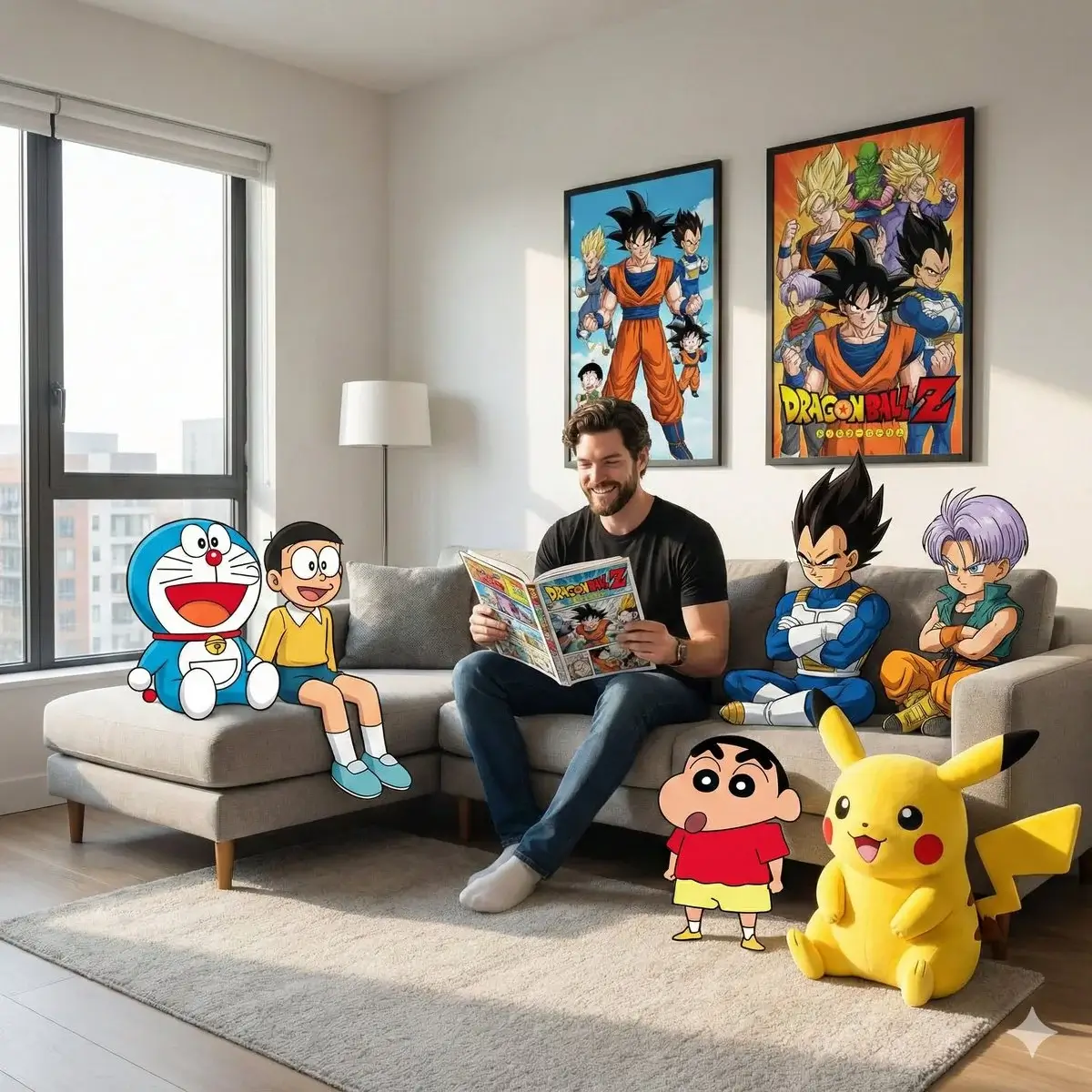
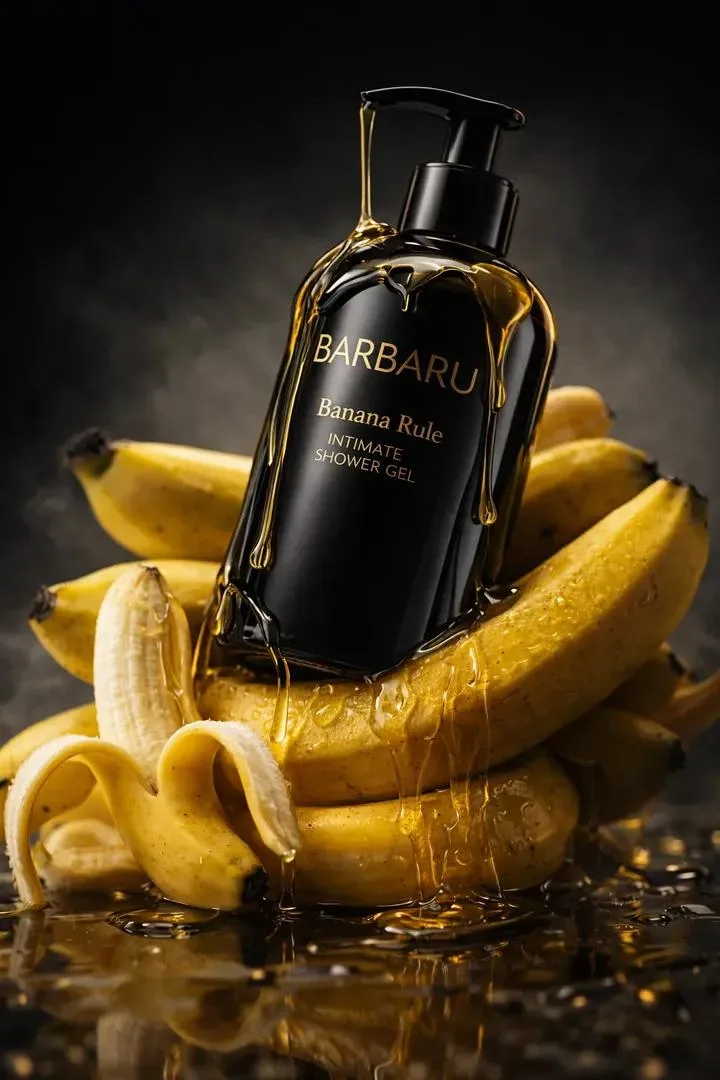
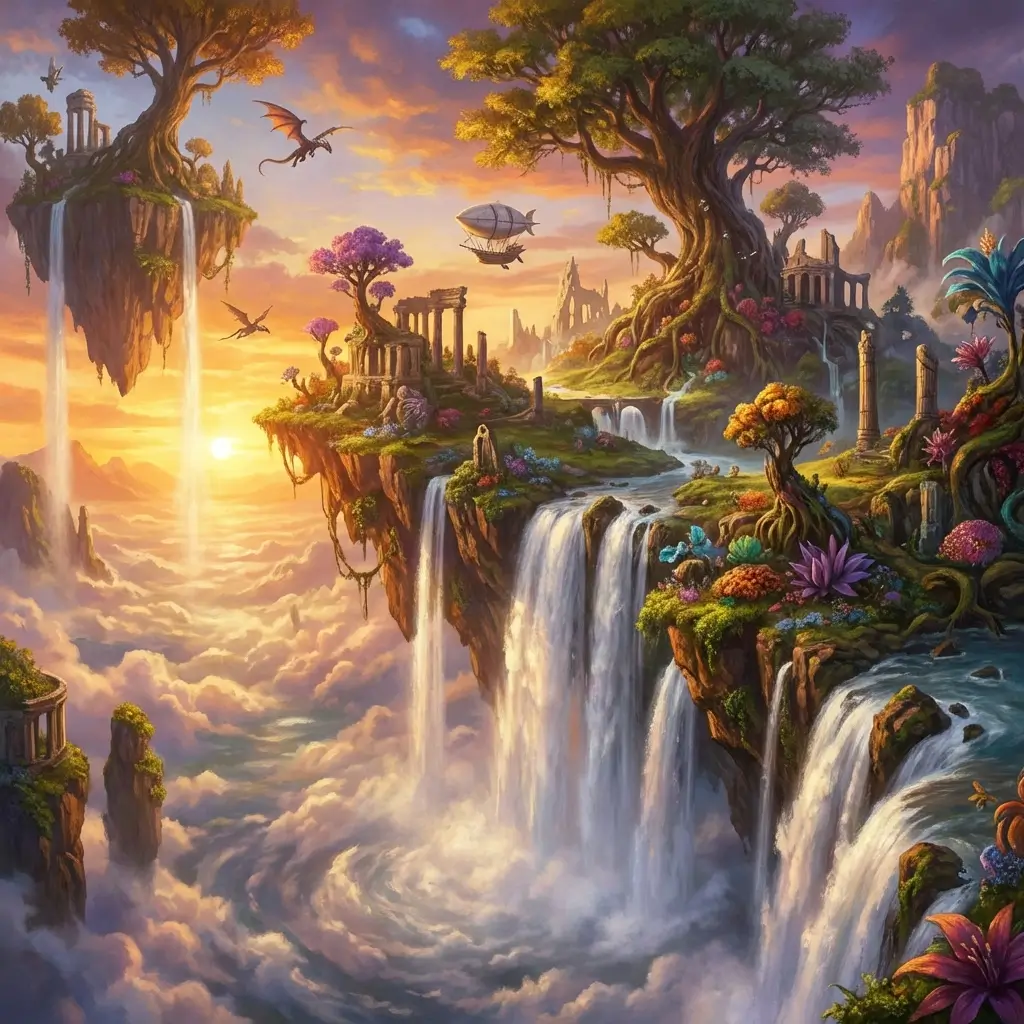
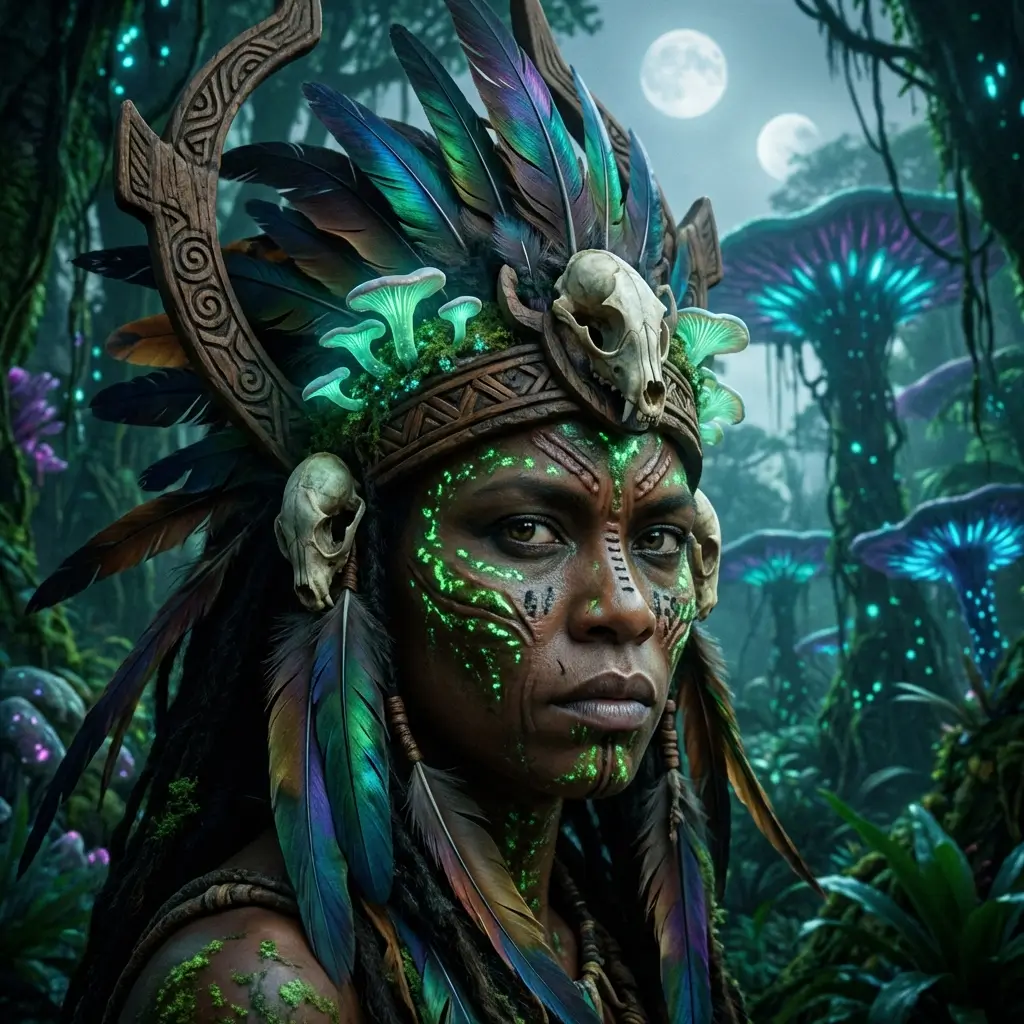
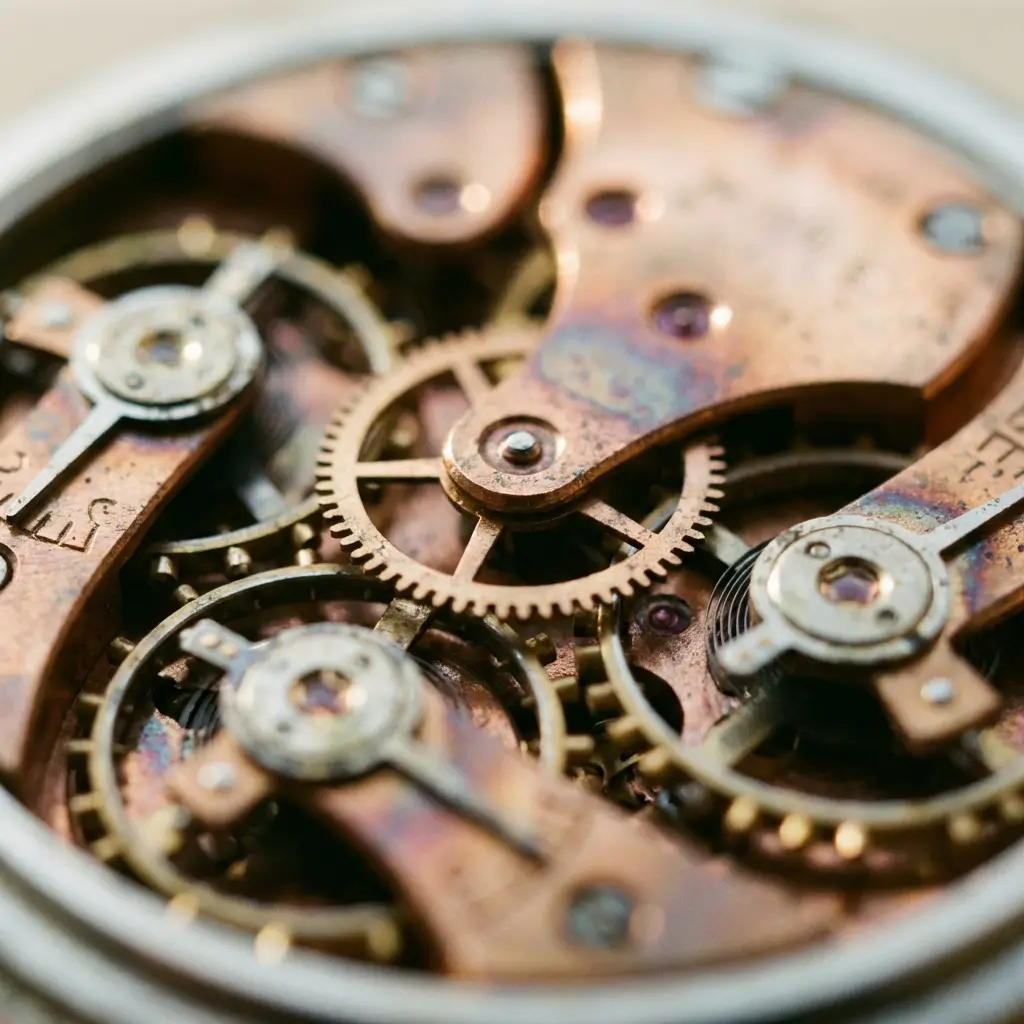
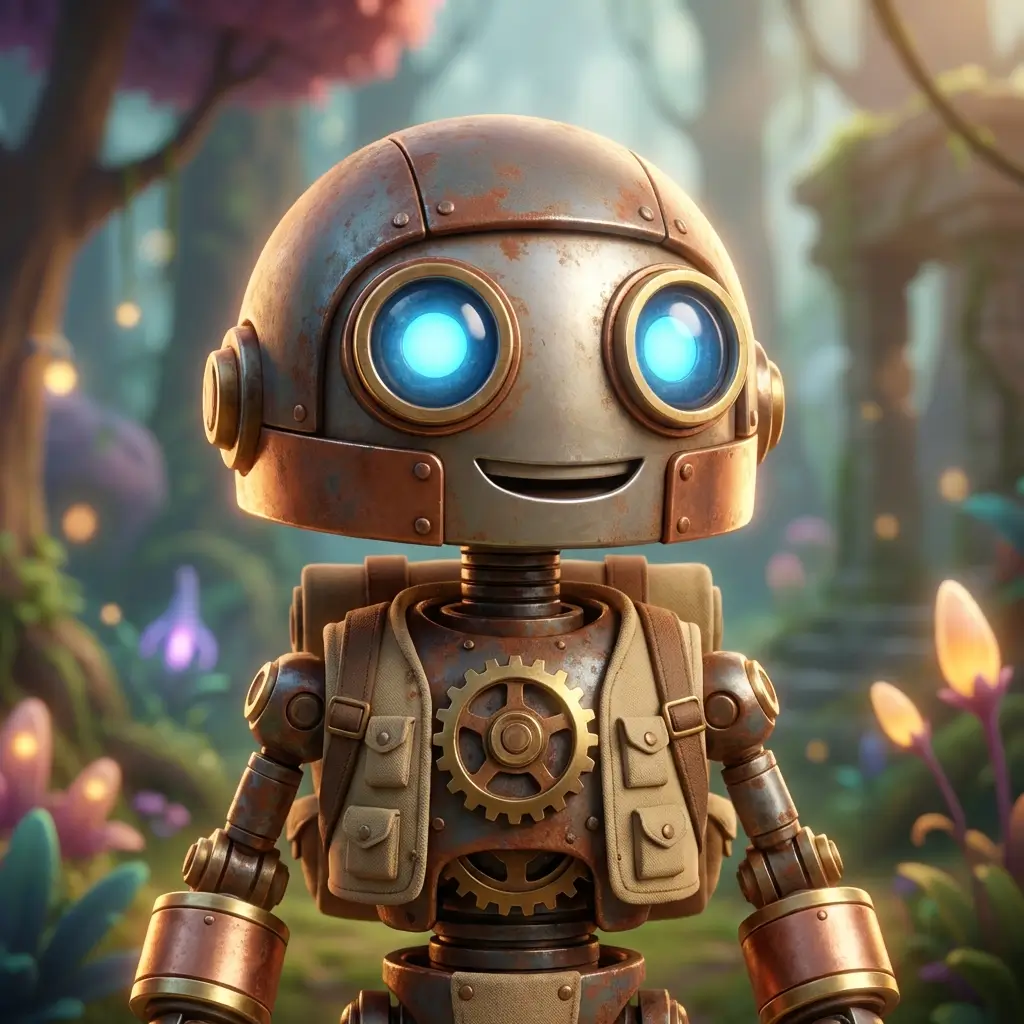
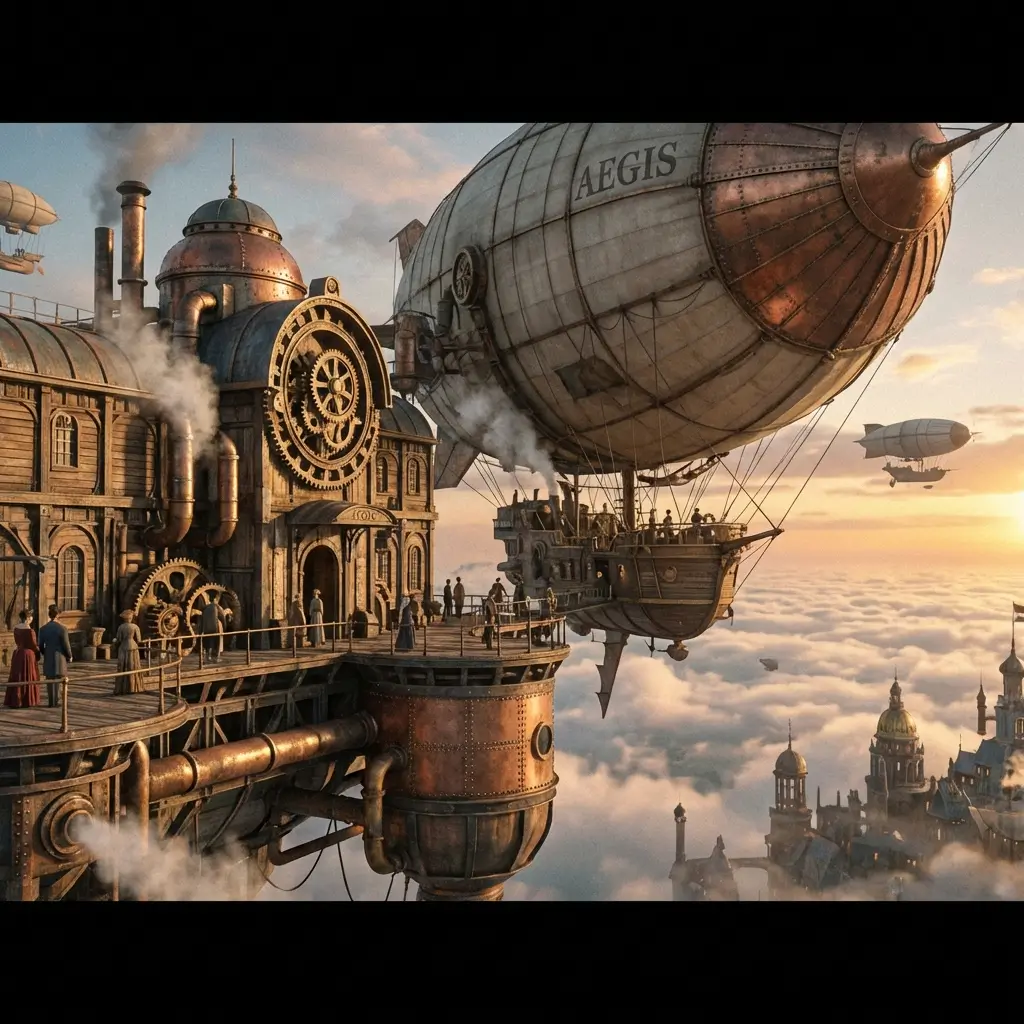
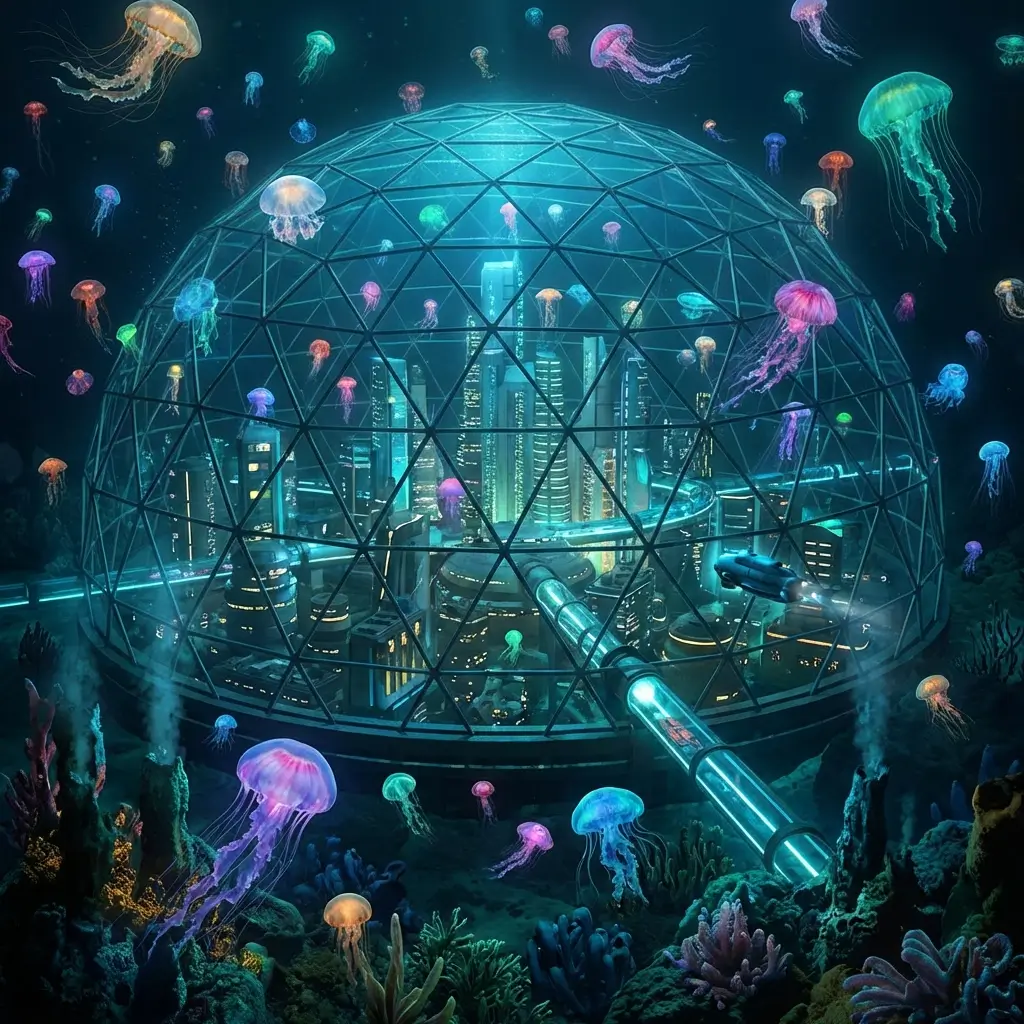
Generate From Text or Edit Photos
Describe a scene from scratch, or upload an existing photo and describe the change. Grok Imagine handles both creation and editing in one model.
13 Aspect Ratios for Every Format
Square, portrait, landscape, and cinematic ratios — pick the format before generation for platform-ready output.
Up to 4 Images Per Batch
Compare variations from a single prompt — different compositions and styles without rewriting your description.
No xAI Account Required
Use Grok Imagine here with shared credits — no separate xAI subscription or API setup needed.
xAI Image
What Grok Imagine Offers
Text-to-Image Generation
Describe any scene, character, product, or concept. Grok Imagine renders from natural language prompts.
Prompt-Based Photo Editing
Upload a photo and describe edits — background changes, style shifts, element additions — through text alone.
13 Aspect Ratios
Cover every platform and ad format — built at the ratio you pick, no post-crop needed.
Batch Up to 4 Images
Generate up to 4 variations per prompt for quick comparison and creative exploration.
Fast Iteration
Quick turnaround for social posts, ad creatives, and concept exploration without long render waits.
Unlock HD When You Need It
Grok Imagine uses purchased credits. Unlock HD when you want to generate on your own prompts.
How to Use Grok Imagine
Write a Prompt or Upload a Photo
Describe the image you want, or upload an existing photo and describe the edit.
Pick Aspect Ratio and Batch Size
Choose from 13 aspect ratios and set up to 4 images per batch. Hit generate.
Compare, Download, or Iterate
Review the batch, download your pick, or refine the prompt and regenerate.
Grok Imagine FAQ
探索更多 AI 工具
Grok Imagine 2.0
Text-to-image and image-to-image, up to 12 images per request
了解更多 →
GPT Image 2
OpenAI image generation — text-to-image and image-to-image
了解更多 →
Seedream 5.0
Next-gen by BytePlus — 2K/4K, multi-image blending
了解更多 →
Nano Banana Pro
High-quality image generation, up to 4K, text & image input
了解更多 →Create With Grok Imagine
Text-to-image, photo editing, 13 ratios, up to 4 per batch.
Try Grok Imagine Free